Docs
Docs
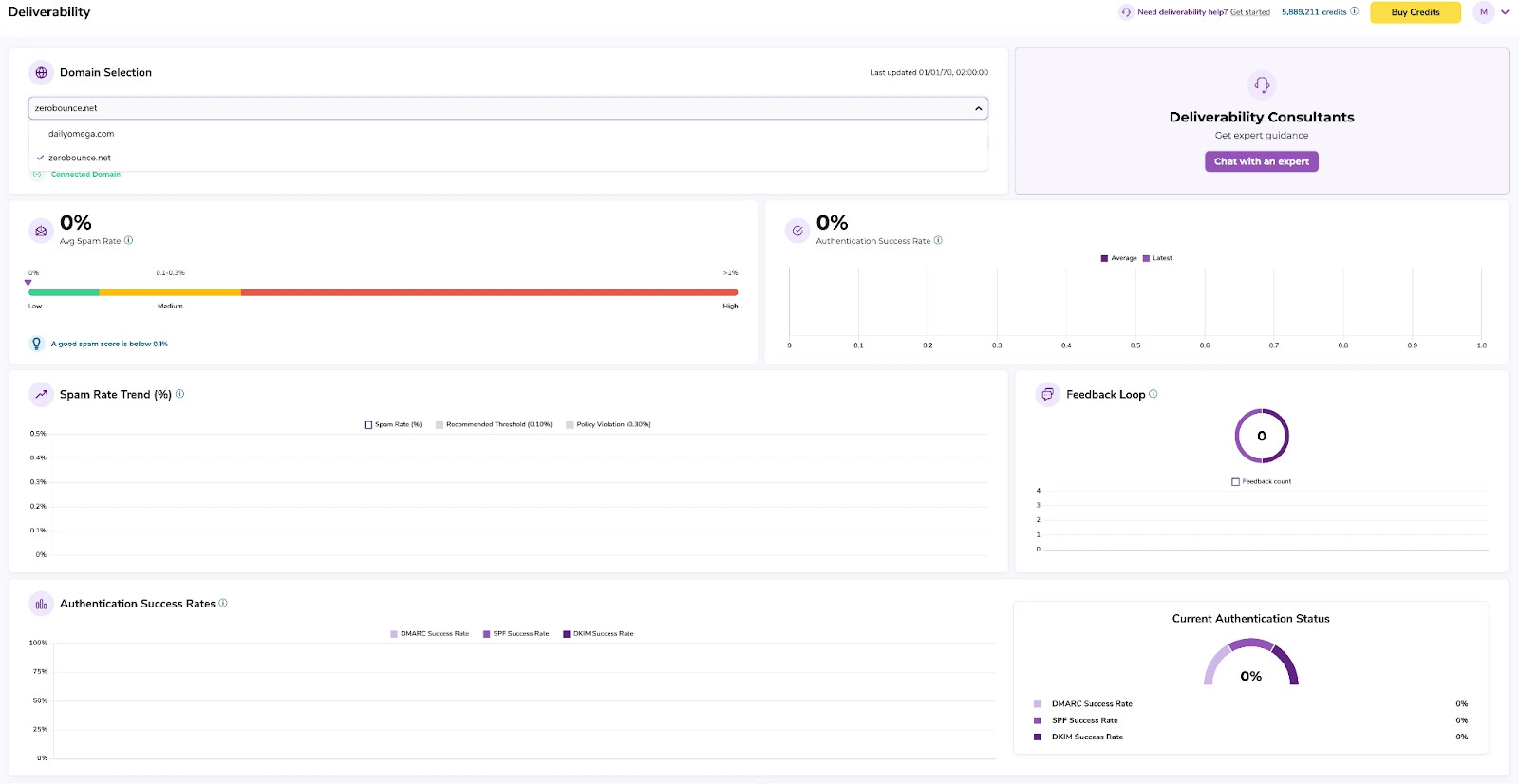
The Deliverability Dashboard allows you to connect your Google Postmaster account to ZeroBounce, giving you access to key reputation and deliverability metrics for your sending domain. By centralizing this data within ZeroBounce, you can monitor performance and make informed decisions to improve your email deliverability.
This feature is available exclusively to users with a ZeroBounce One subscription.
Once your Google Postmaster account is connected, the Deliverability Dashboard provides the following metrics:
Track the percentage of emails marked as spam by recipients. A high spam rate can negatively impact your sender reputation and inbox placement.
Understand how mailbox providers view your sending domain. Reputation levels typically range from bad to high, and directly influence email deliverability.
Monitor the reputation of your sending IP address. Poor IP reputation can lead to emails being filtered or blocked.
Identify issues that prevent your emails from being successfully delivered, such as temporary failures or permanent bounces.
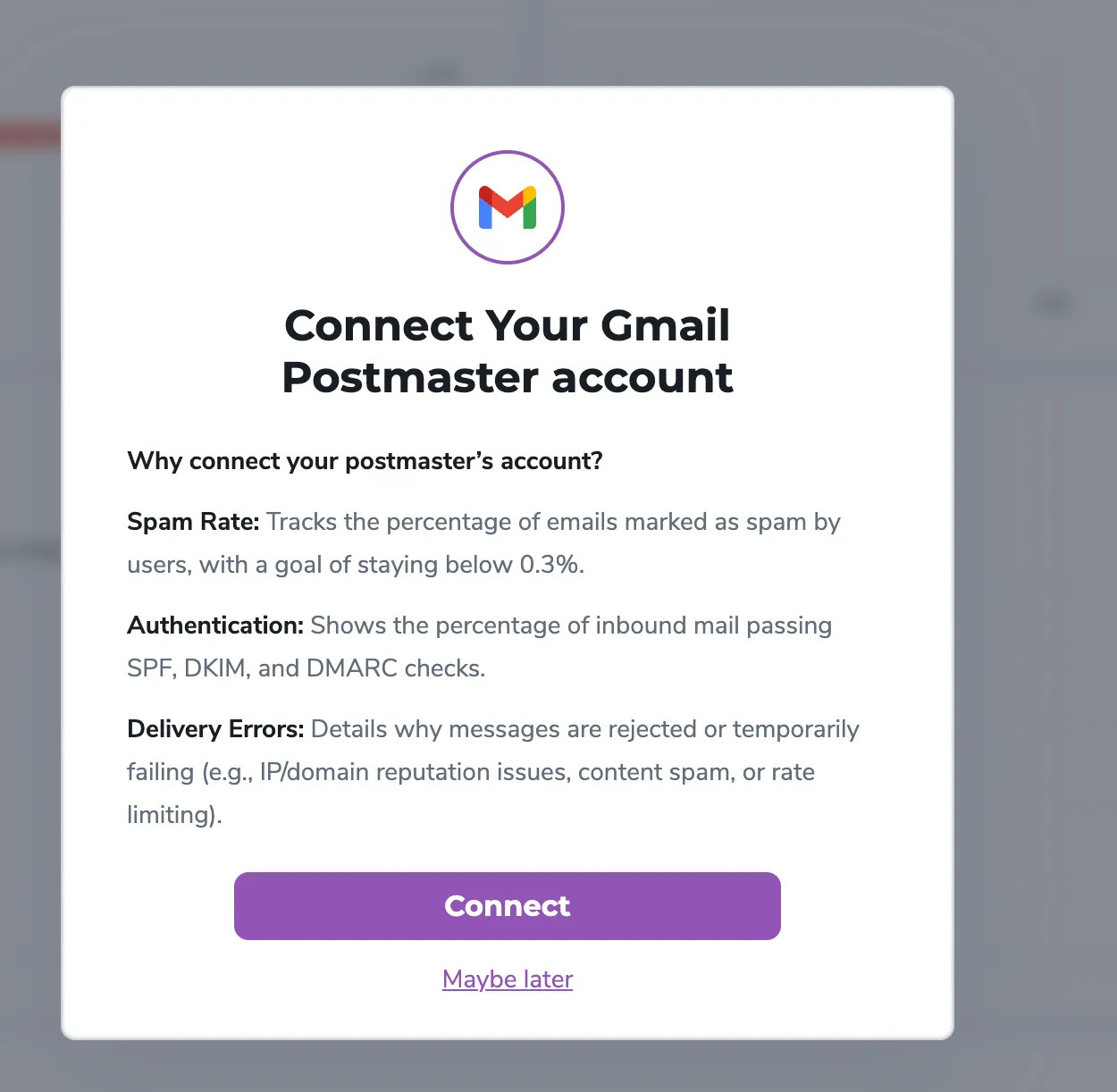
1. Navigate to the Deliverability Section and connect your Google Postmaster Account to ZeroBounce
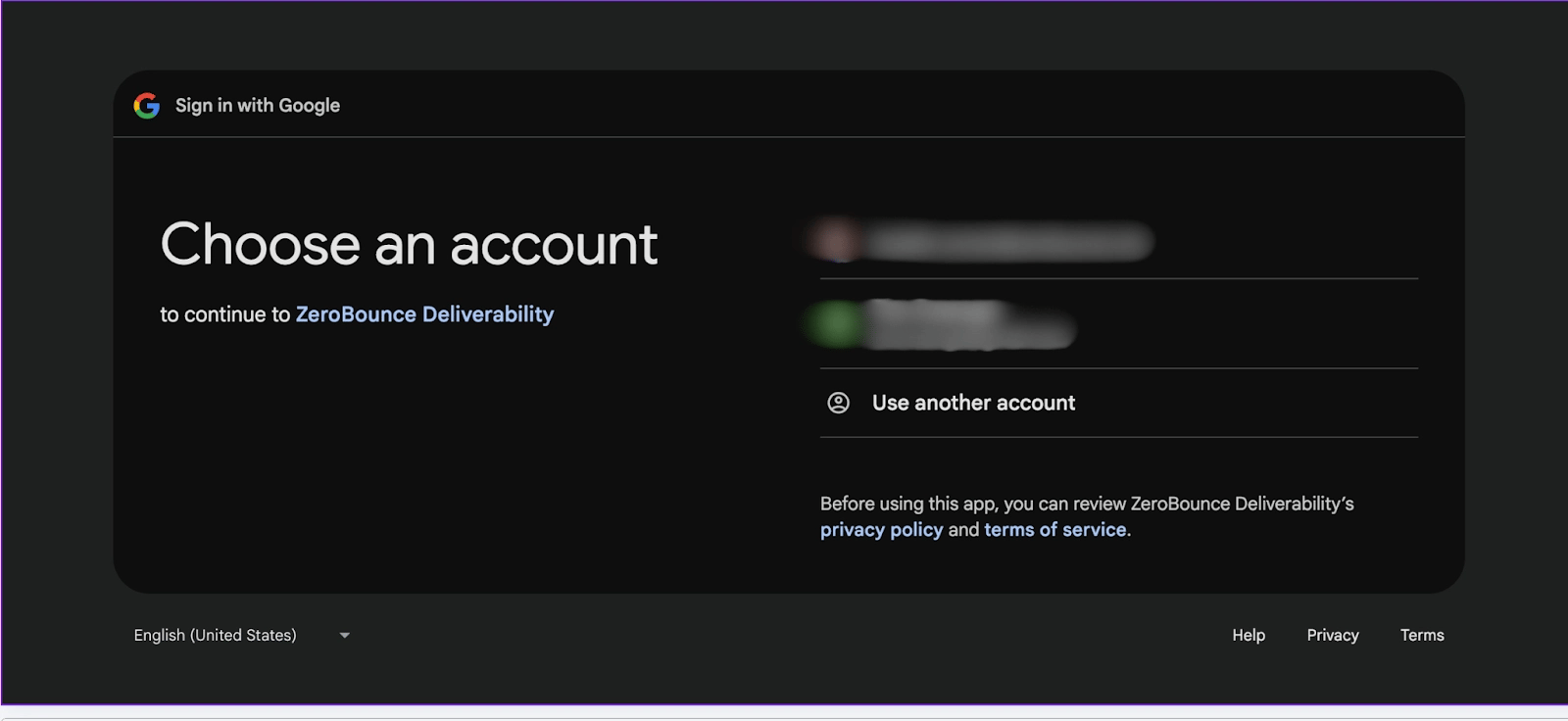
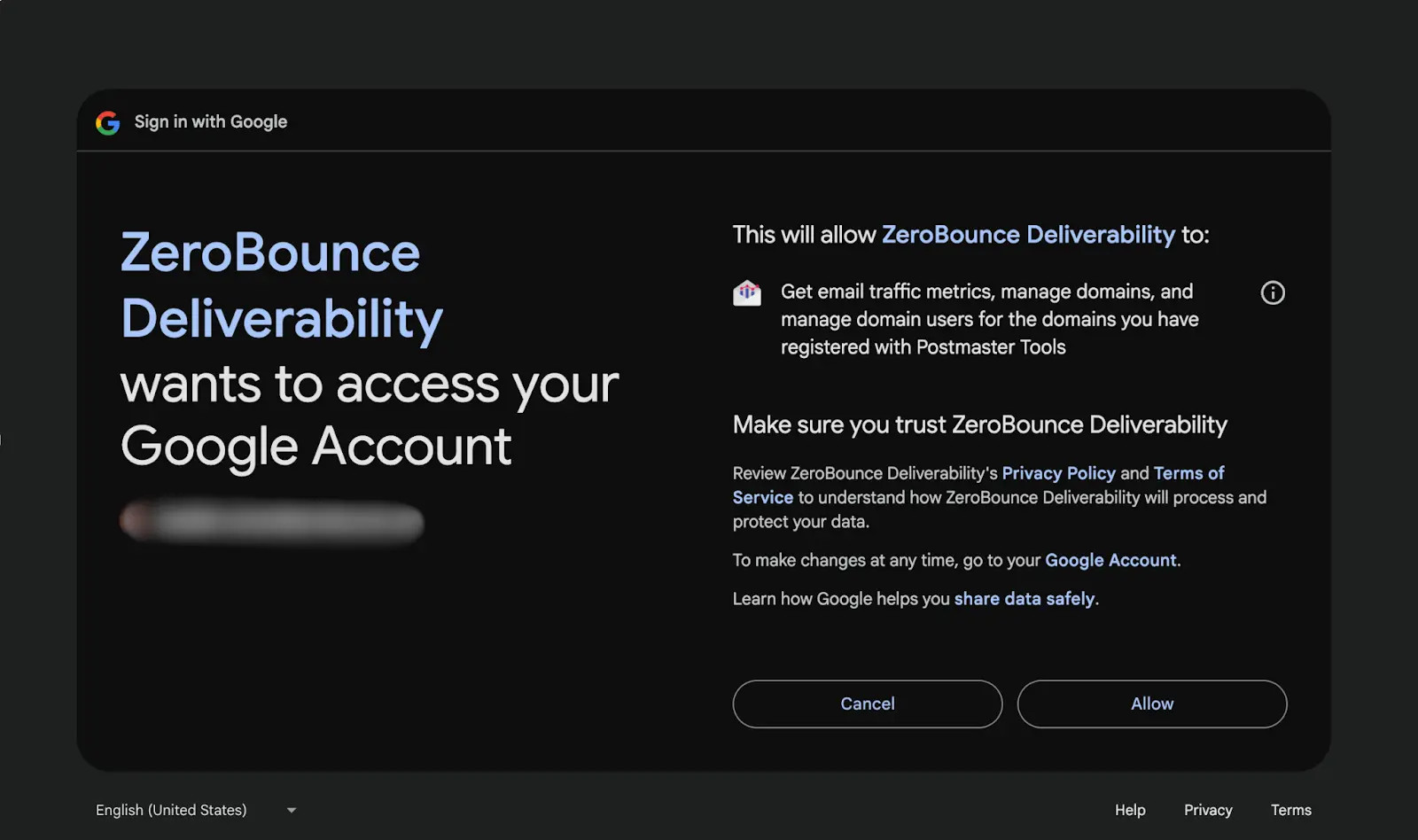
2. Authorize access to your domain data
3. View and analyze your deliverability metrics in real time