Docs
Docs
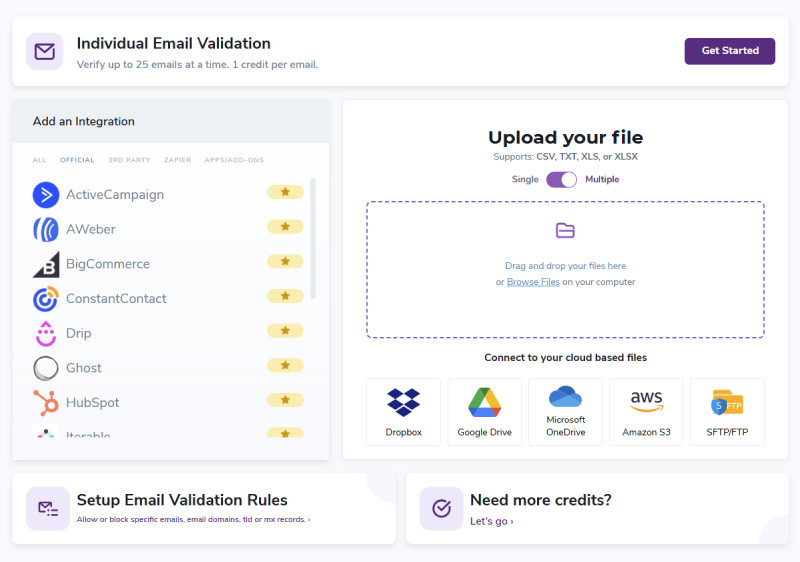
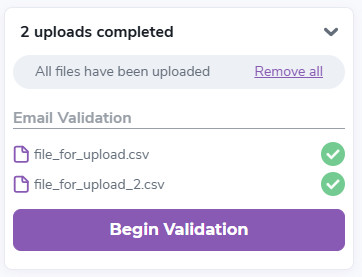
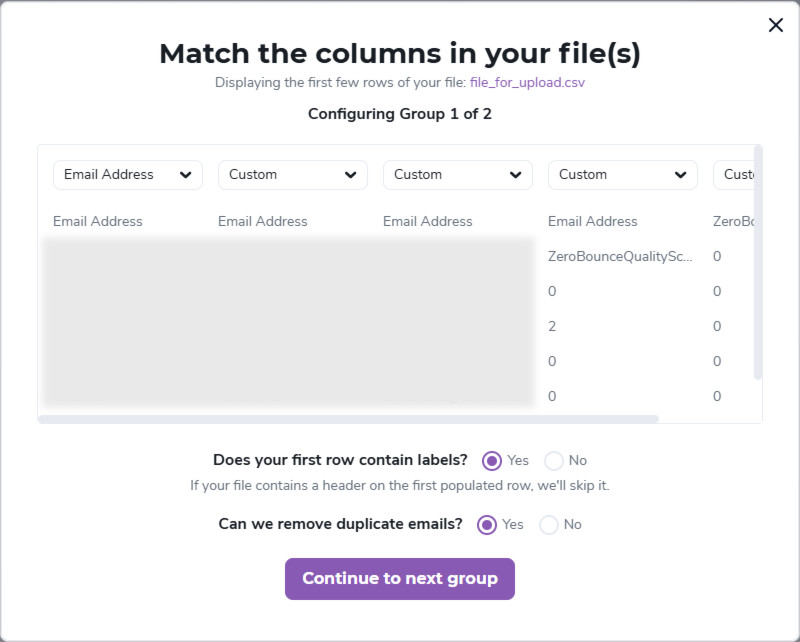
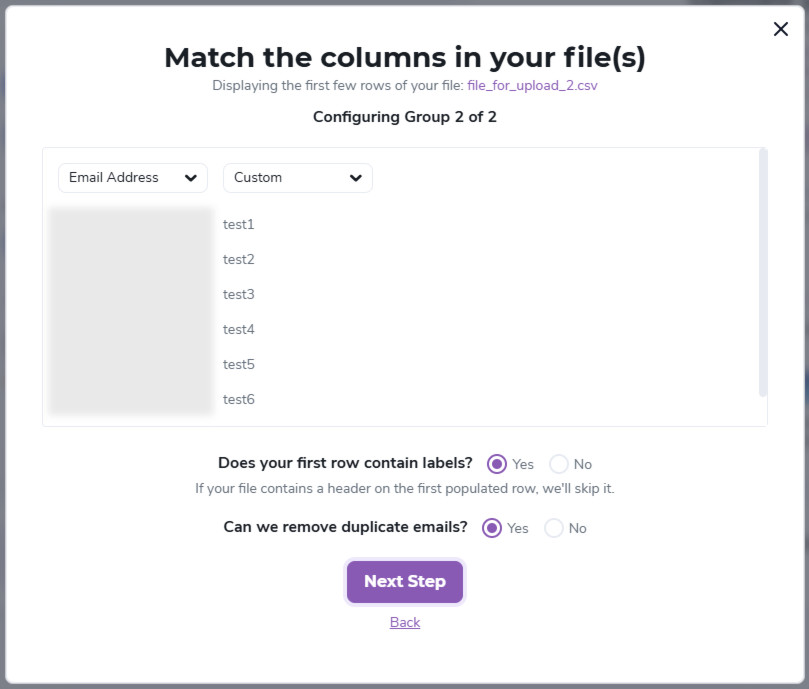
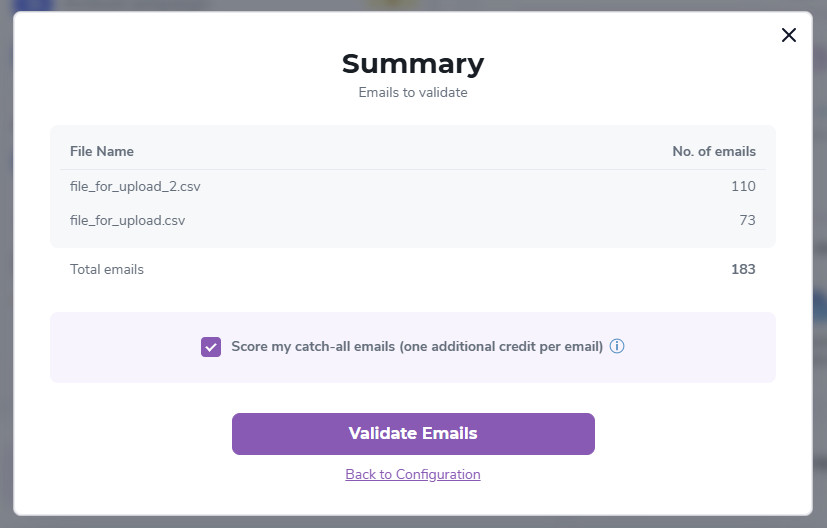
Our system accepts single or multiple files for upload, and it includes multiple accepted formats: .txt, .xls, .xlsx, and .csv file types. Please make sure your file(s) is(are) in one of our accepted formats. When you upload a file or multiple files, our system will scan it or them. The uploader will reject files that contain unusual or incompatible data. After initiating the upload, our system will try to determine the column's data type. You can correct any errors before proceeding with the validation. If you can't get the system to accept your file(s), please use the Chat button on the bottom right to contact us.
Please make sure your file(s) respect one of the formats here: Allowed File Formats.
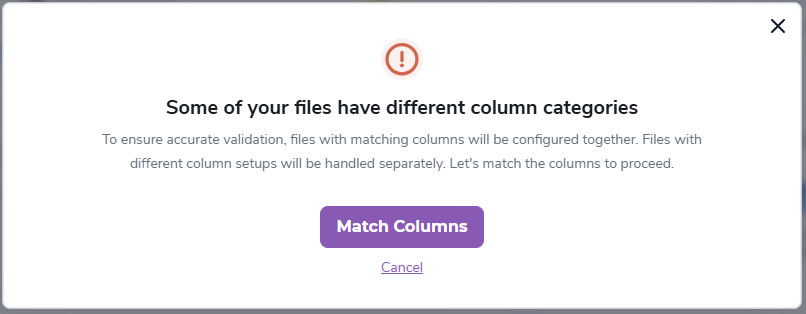
When uploading a single file or multiple files for validation, the system will guide you and help you prepare the file for the best possible experience. The steps can be summarized as follows: