
Docs
Docs
If you no longer have access to the devices where you installed the authenticator app, don't worry, your account is still secure!
Reset instructions for Authy: In order to reset your phone at Authy, just follow these instructions.
Reset instructions for Google Authenticator:
When you first setup Two-Factor Authentication, you received a backup code. You will need that code in order to reset your phone for Google Authenticator.
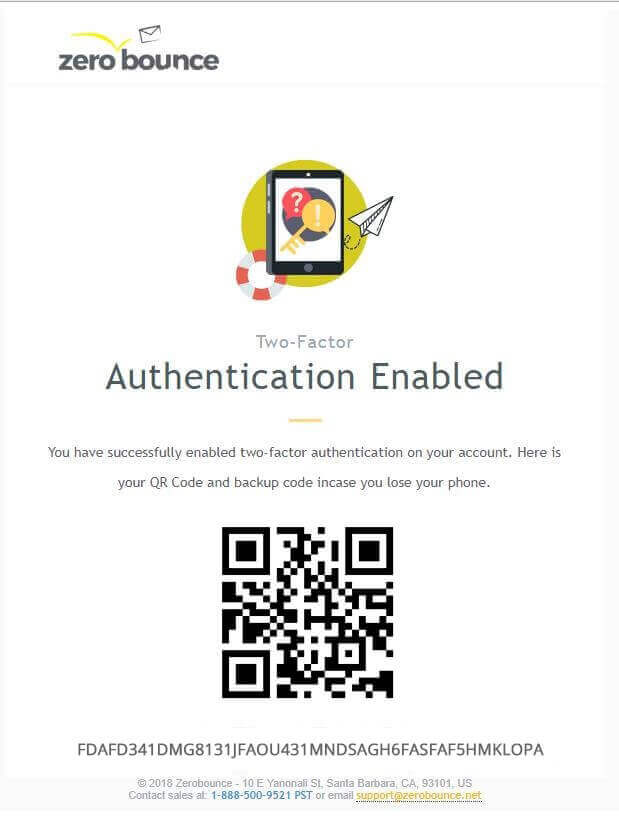
You will be emailed a google Autentificator QR Code
