Docs
Docs
With this new feature, we aim to enhance the user experience during identity verification, which is now simplified into four easy steps.
When a payment is put into review, a pop-up will be displayed, asking you to provide your identity. An email will also be sent to inform you that you need to verify your identity.
To confirm your identity, you'll need to complete the following steps:
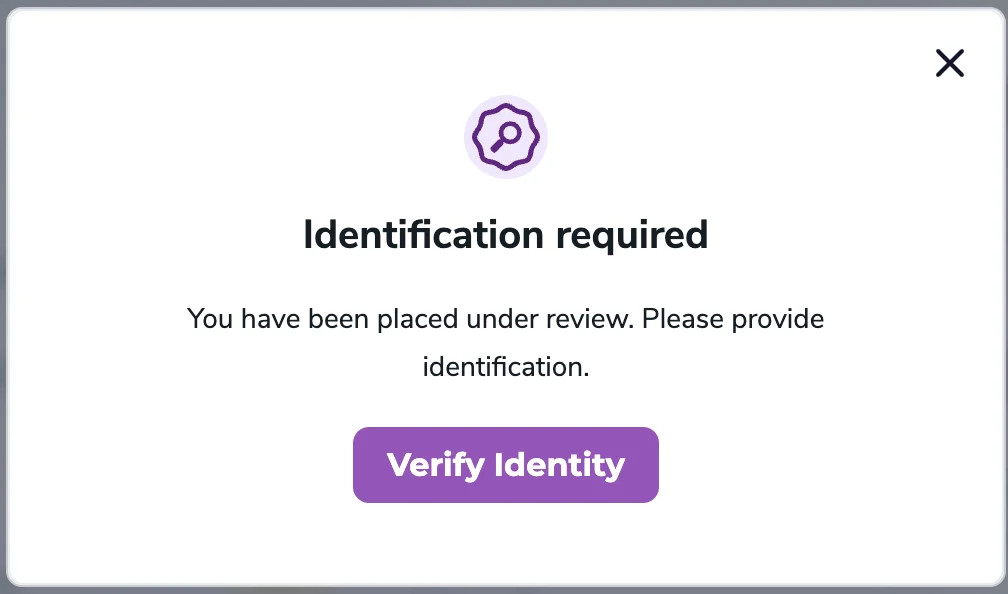
Step 1. Once you click on the 'Verify Identity' button, you'll receive a prompt from Stripe asking you to upload the required documents.
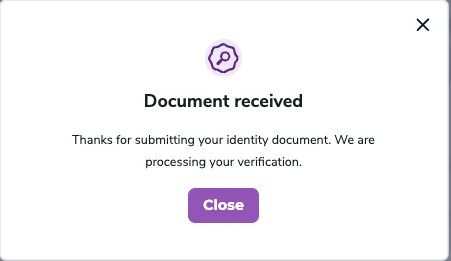
Step 2. After successfully uploading the required documents, your identity verification process begins.

Note:
If the uploaded documents are valid, the process can take anywhere from a few minutes to a few hours.
Step 3. If the submitted documents are valid and your identity verification is successful, we'll approve your payment, and you'll receive the associated benefits.
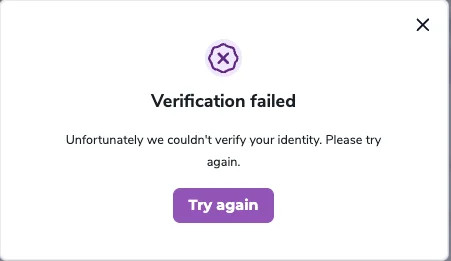
Step 3a. If the identity verification process fails, you'll need to try again (repeat Step 2).
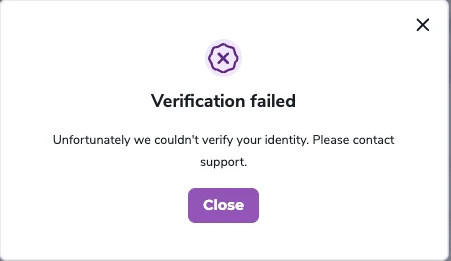
Step 4. If your identity verification process fails for the second time, you'll receive a prompt to contact support for further assistance.