
Docs
Docs
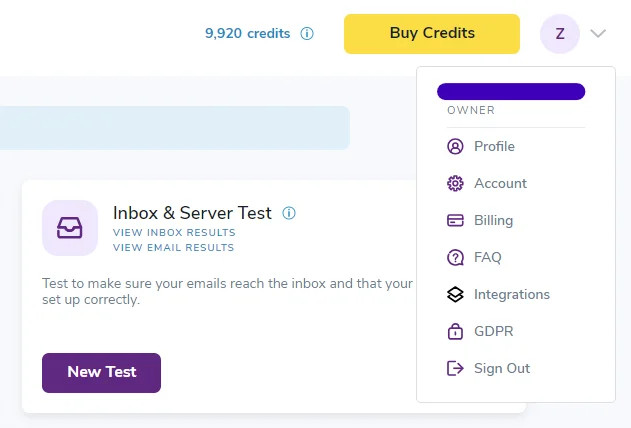
If you forgot your ZeroBounce password or wish to update it for security reasons, you can do so anytime by visiting your profile settings.

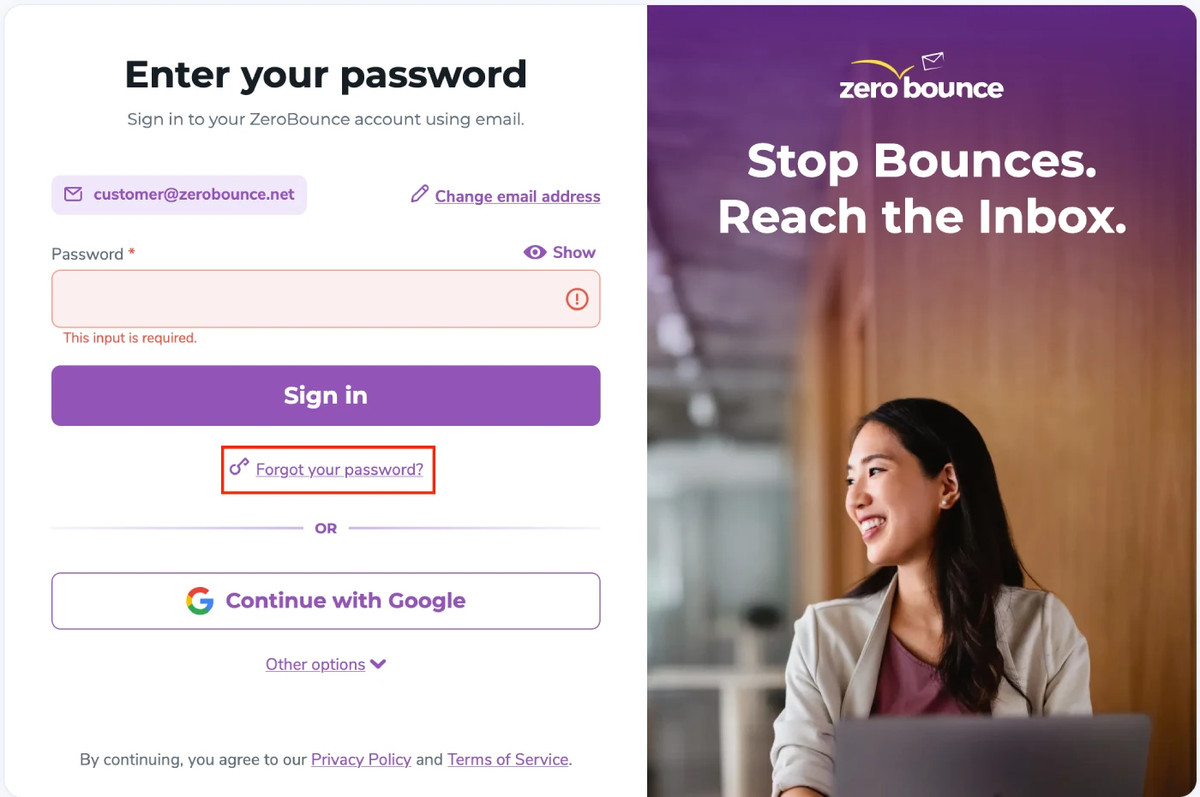
In the event that you forget your ZeroBounce password, you can retrieve it by visiting the sign in page.
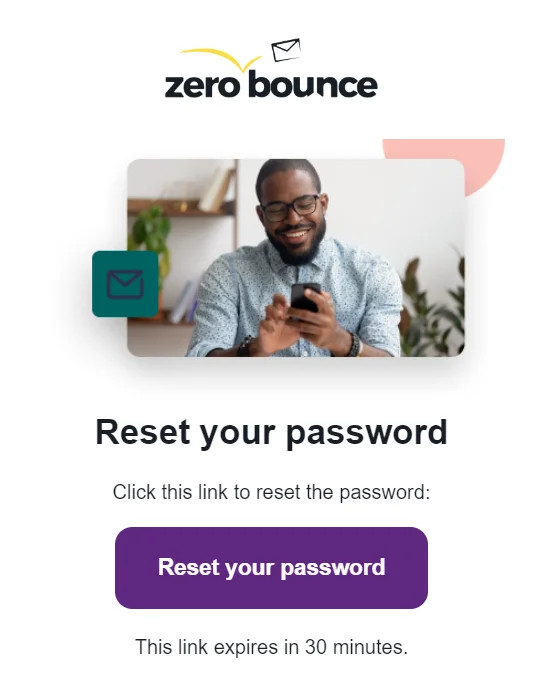
Alternatively - you can find a 6-digit code at the bottom of the email that you can enter on the webpage you used to begin the password retrieval process.
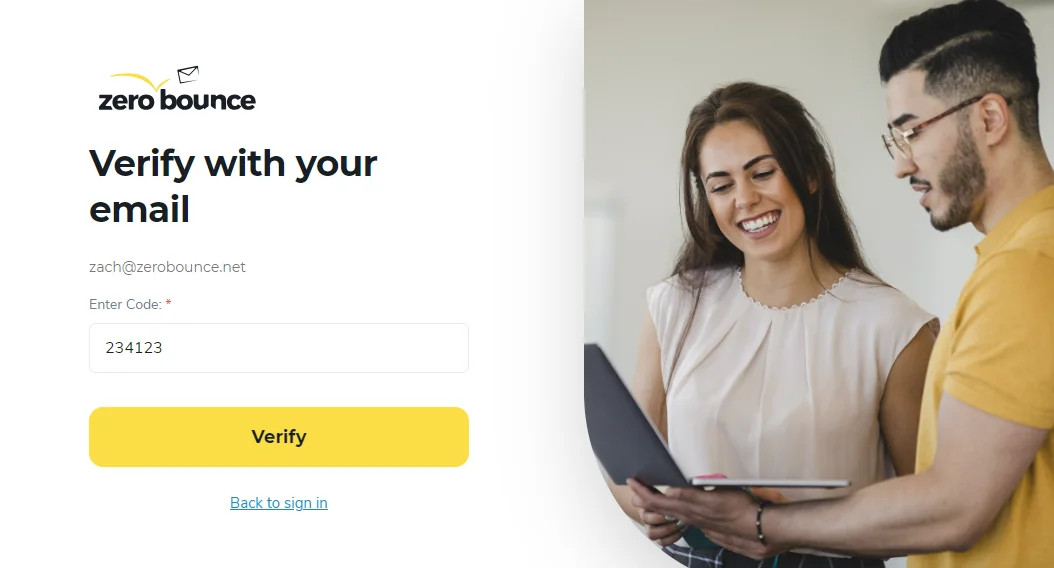
Note - You only have 30 minutes to complete this process. If time expires, you must re-enter your email address and request a new password reset link.
If you cannot access the inbox of the email address associated with your ZeroBounce account, please contact customer support - available by phone or live chat 24/7.
Please be prepared to provide any identifying information that may assist our support team in ensuring you are the account owner.
Email validation and account information
Disabling password-protected downloads
