
Claim your place in the customer inbox with email Warmup
Build trust with email and internet service providers with the fully automated email Warmup tool. Connect your mailbox and receive positive, realistic email engagement that helps you reach the inbox and stay out of the spam folder.
Test Warmup for free
The #1 email deliverability platform for 650,000+ clients
Fully automated email warmup service for multiple listings
Warmup is the best email warmup service to improve email deliverability for all of your accounts.
Quickly connect any mailbox via SMTP, and our email warmup tool automatically sends emails to our privately owned seeds on your behalf.
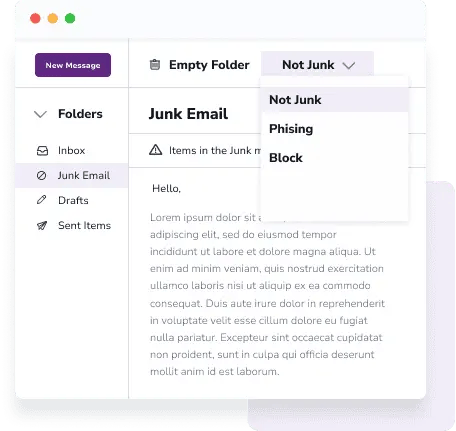
Our inbox warmup simulates real user behaviors by opening, replying, and marking your emails as ‘Not spam’ while factoring in past behaviors, time zones, and other relevant factors.
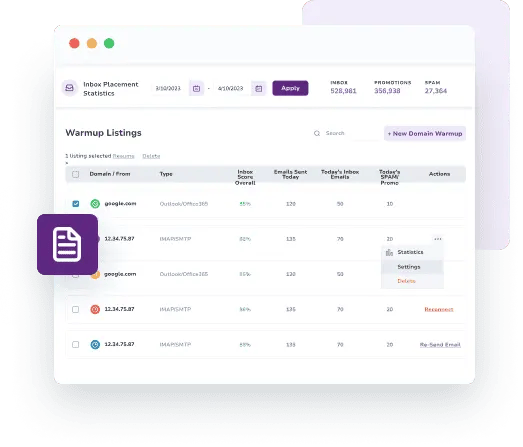
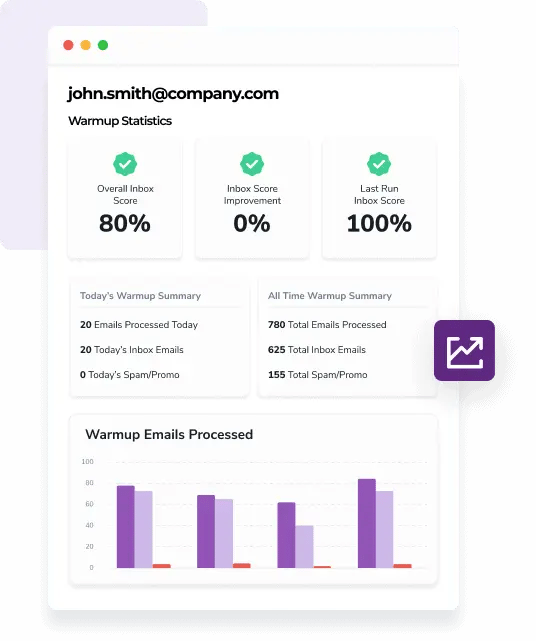
Email deliverability statistics and inbox placement tracking
Your email warmup service dashboard automatically populates with updated statistics in real time.
Get deliverability insights daily, weekly, and customizable reporting periods to determine how your inbox placement improves gradually over time.
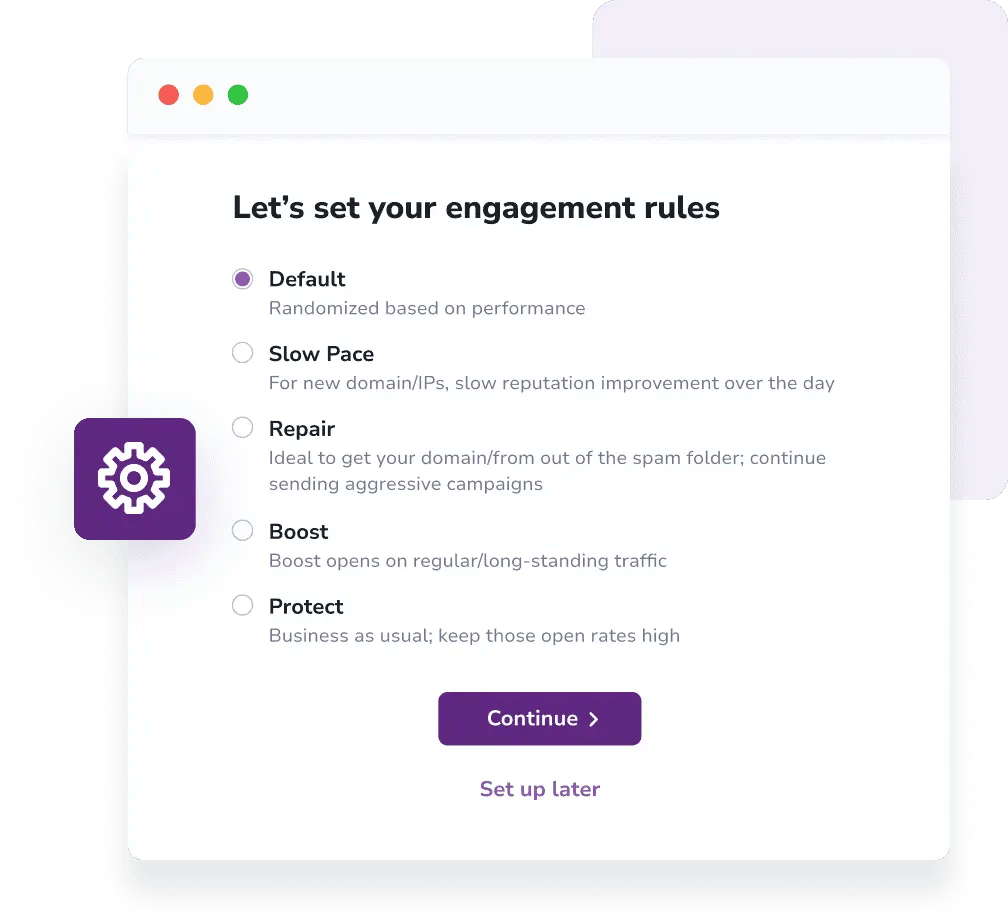
Advanced settings to fine-tune your email warmup
An email warmup service benefits all email senders – and our tool reflects that. Choose from engagement rules like:
- Slow pace - For natural, gradual ramp-up
- Repair - More aggressive sending style to overcome reputation issues
- Boost - An uptick in sending to boost your inbox score even higher
- Protect - The perfect email warmup volume to ensure your reputation doesn’t decline over time
Advanced users can also customize daily sending limits, increase percentages, time zones, and the ideal times to send.
Industry-leading privacy and security
How the email warmup tool works
Email warmup for any mailbox via SMTP
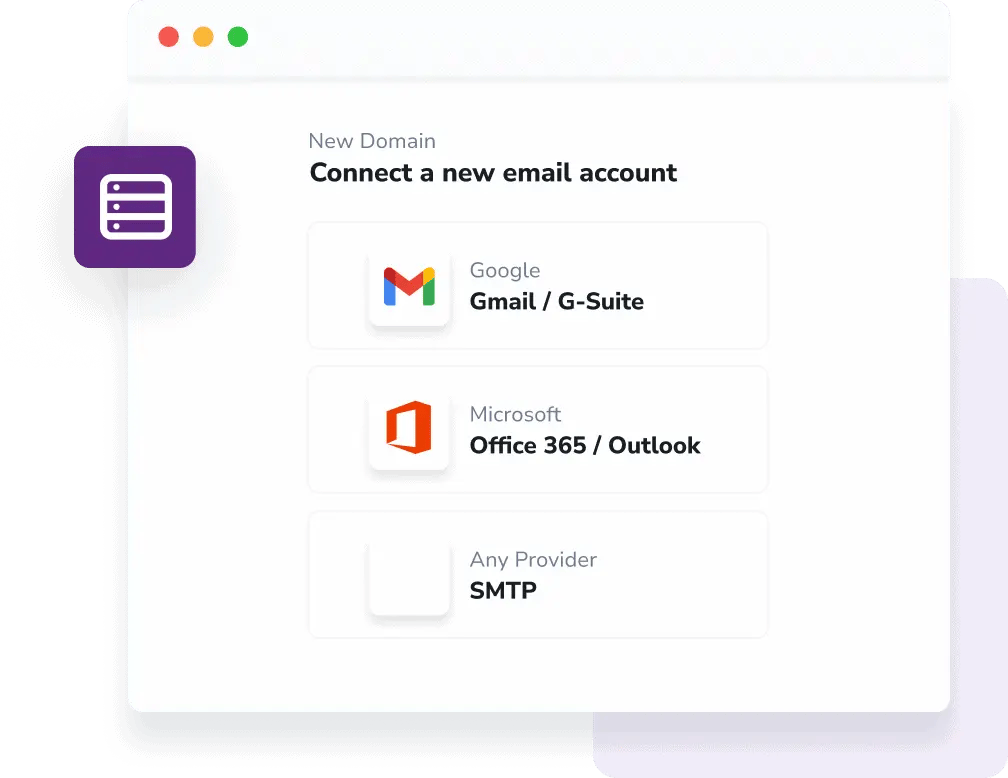
Warmup provides a quick, seamless connection for Gmail/G-Suite, Office 365/Outlook, and any other mailbox provider that supports SMTP. No IMAP connection is required.
Dial in your automated settings - or warmup emails manually
New to email warmup tools? Warmup automatically sets your mailbox listing to a default setting, which is an ideal starting point for gradually warming up any business mailbox.
Need to fine-tune your email warmup settings? Choose from more aggressive sending styles based on your current reputation, or dial in the exact volume and percentages you desire.
Automated email warmup
Want us to deliver better email deliverability? Automate the process, and we’ll handle everything from sending, to adjustments, to reporting.
Manual email warmup
Want complete control over your warmup emails? We’ll send you our seeds, allowing you to send your emails directly. Then, check your dashboard for your reporting.
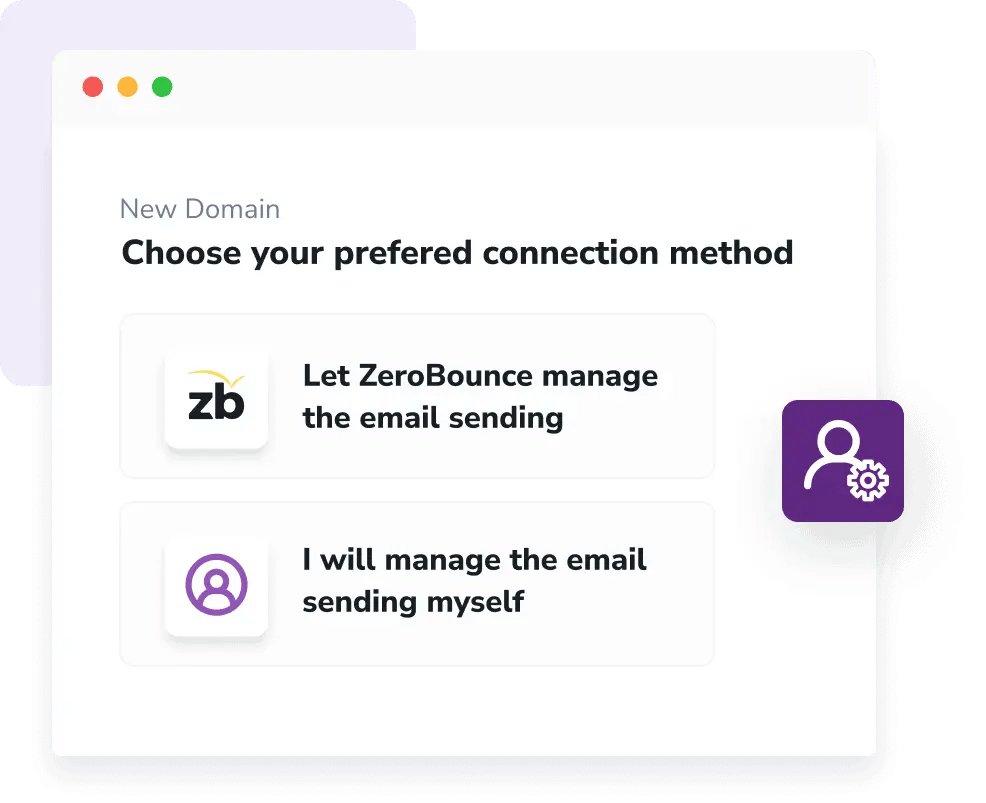
Warmup your email accounts gradually with realistic email engagement
The email warmup tool will send emails from your mailbox to our privately owned seed email addresses. These warmup emails only go to these addresses and are never shared in a network of other users.
Your emails will automatically receive positive engagement, which sends signals to internet and mail service providers that your business emails are quality, not spam. Warmup provides this via:
- Opens
- Clicks
- Marking as favorite
- Replying
- Marking emails that land in spam as “not spam”
After enough of these signals are sent, providers will gradually correct how they filter emails from your mailbox. Fewer emails will go to spam, and more will start reaching the inbox.
Track your all-time progress and improvements from your dashboard
Sit back and allow the email warmup tool to work. The duration it takes Warmup to work will vary based on domain age, your desired sending volume, and existing reputation issues.
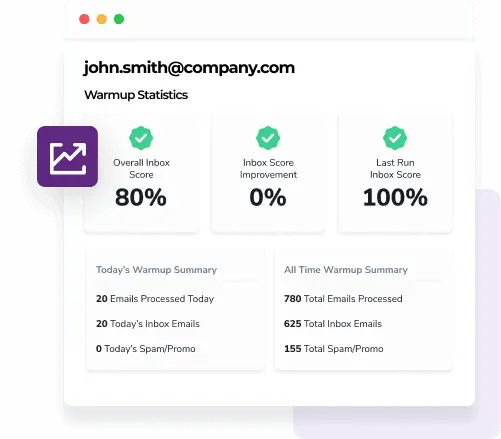
To gauge your progress, the email warmup software dashboard conveniently tracks emails sent, charts where those emails land, and calculates your overall inbox deliverability score.
Once Warmup reliably gets your emails to the inbox, your email campaigns will be ready to rock.
Get Email Warmup with ZeroBounce ONE™
Join ZeroBounce ONE™ today, your all-in-one solution for maximum email deliverability – at one unbeatable price.











































 99.6% Validation Accuracy Guaranteed