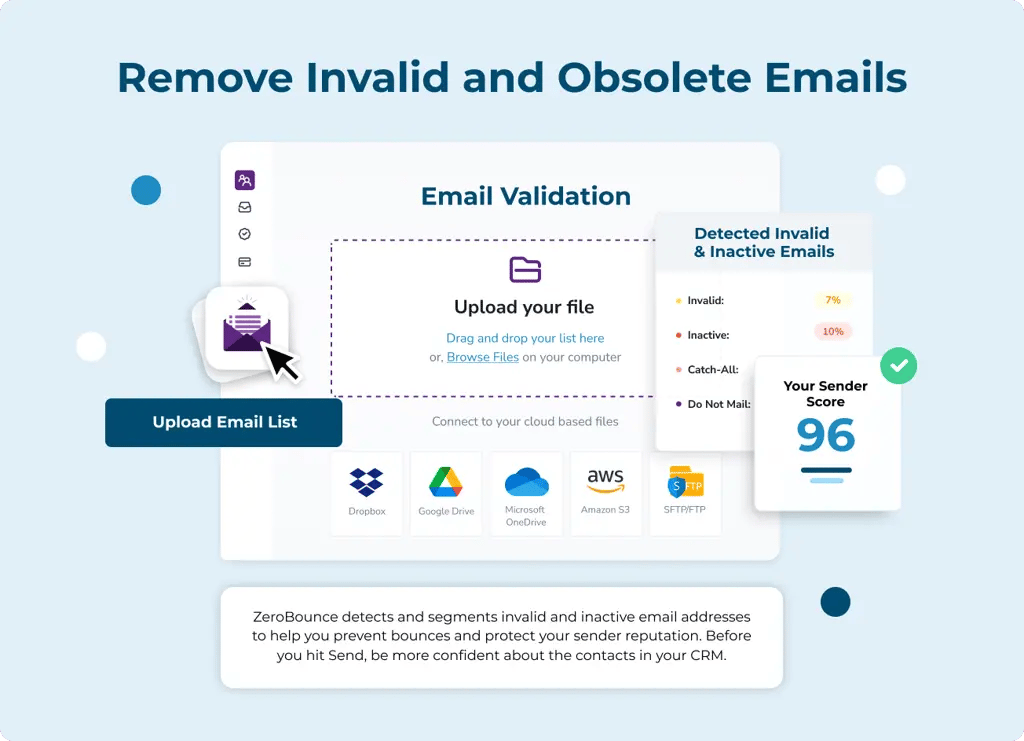

Your Customer.io journeys rely on valid, verified data. If you don’t have a valid email address for contact, your communications go nowhere, and automations fail.
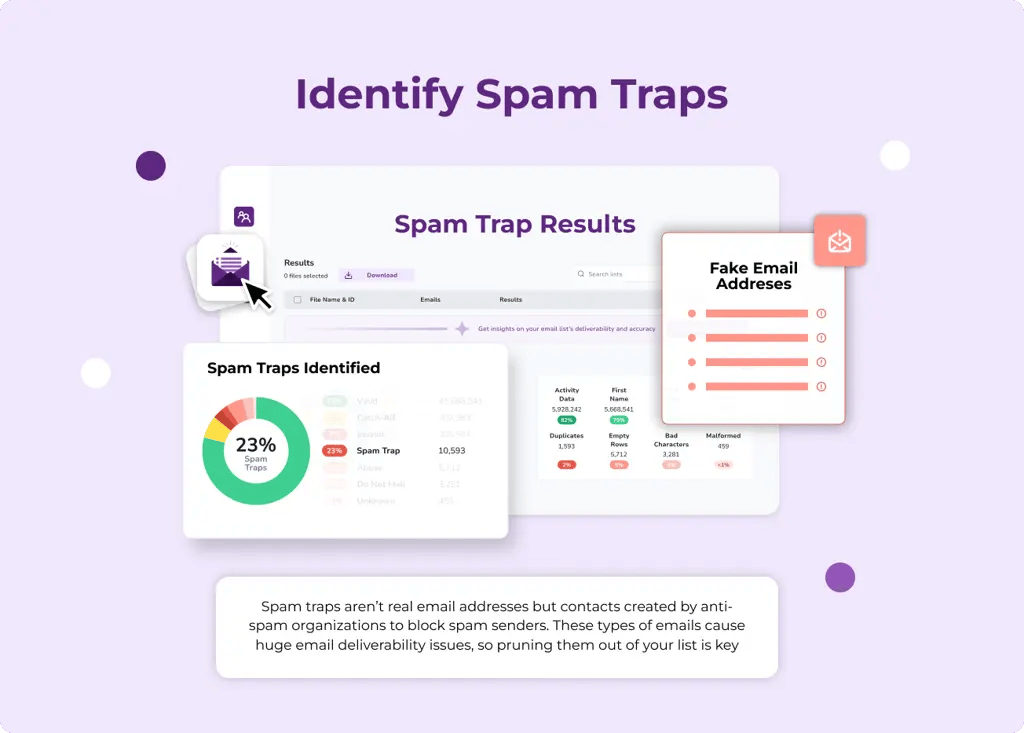
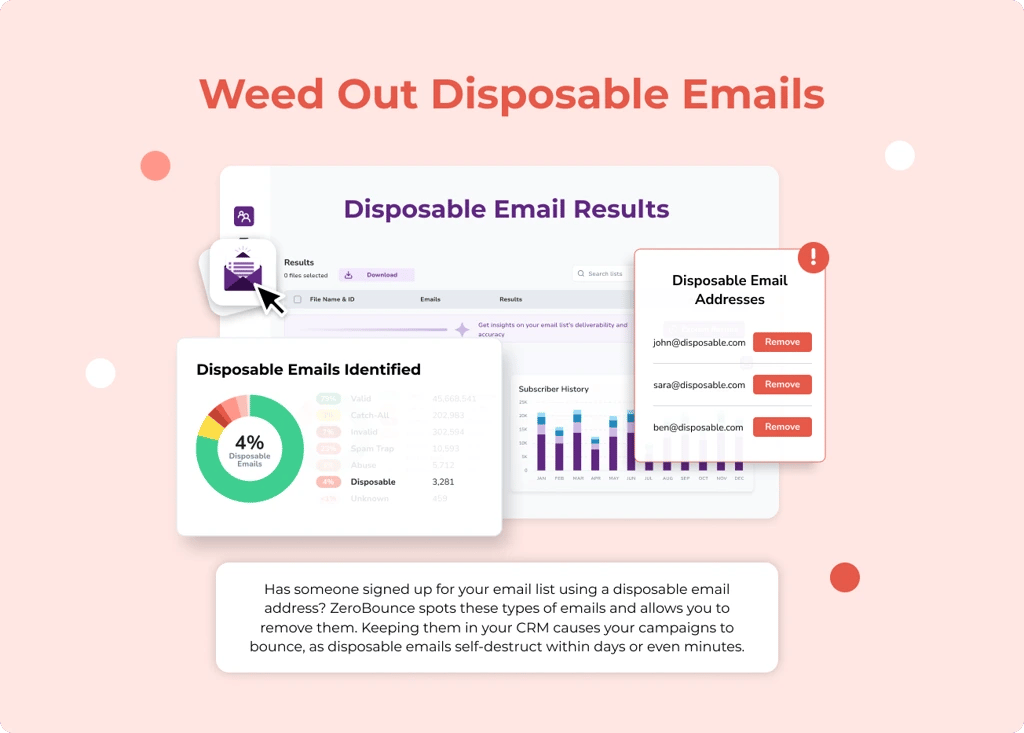
Get the official ZeroBounce Customer.io integration for 99.6% accurate and reliable email verification. Get rid of invalid email addresses, weed out high-risk spam traps and mailboxes, and ensure your campaigns always reach your audience.
Create a free ZeroBounce account now to get started!
Integration
Zapier
Connect your Customer.io account to ZeroBounce via your API key, and unlock a variety of features, including bulk list verification, automatic contact monitoring, email scoring, and more!
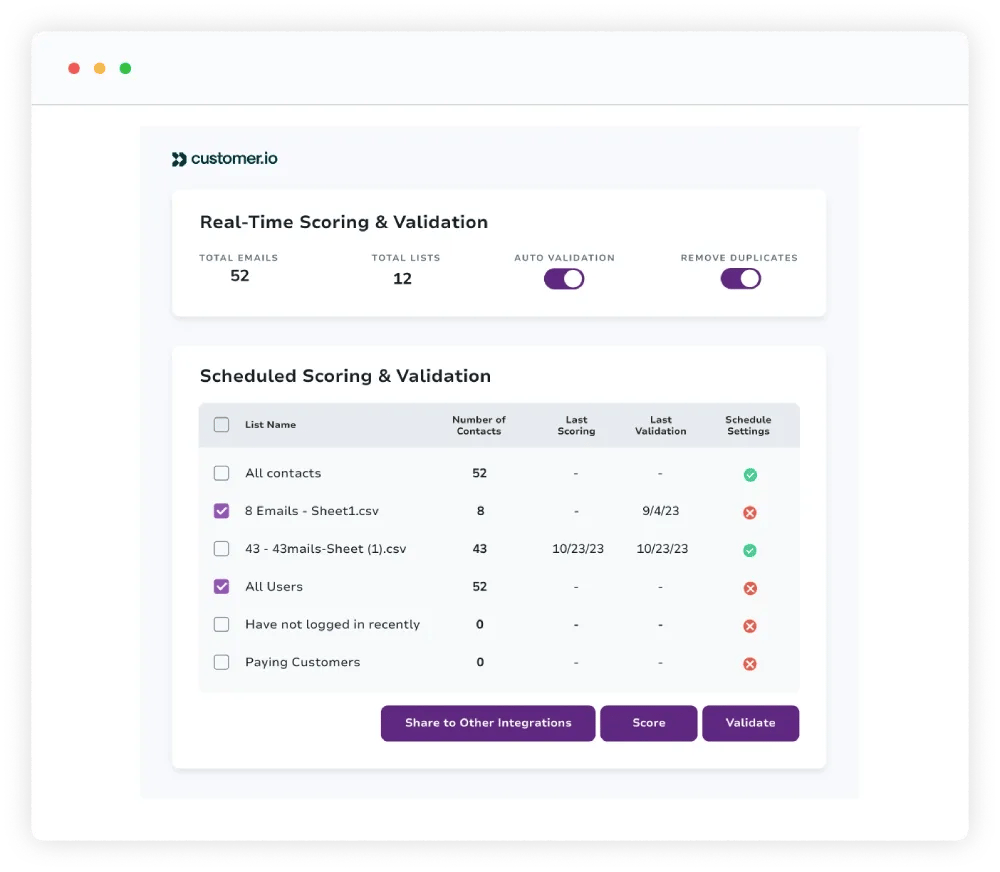
ZeroBounce syncs seamlessly with your Customer.io account and automatically detects all of your email lists. Select which lists you want to validate, click the button, and wait for your results!
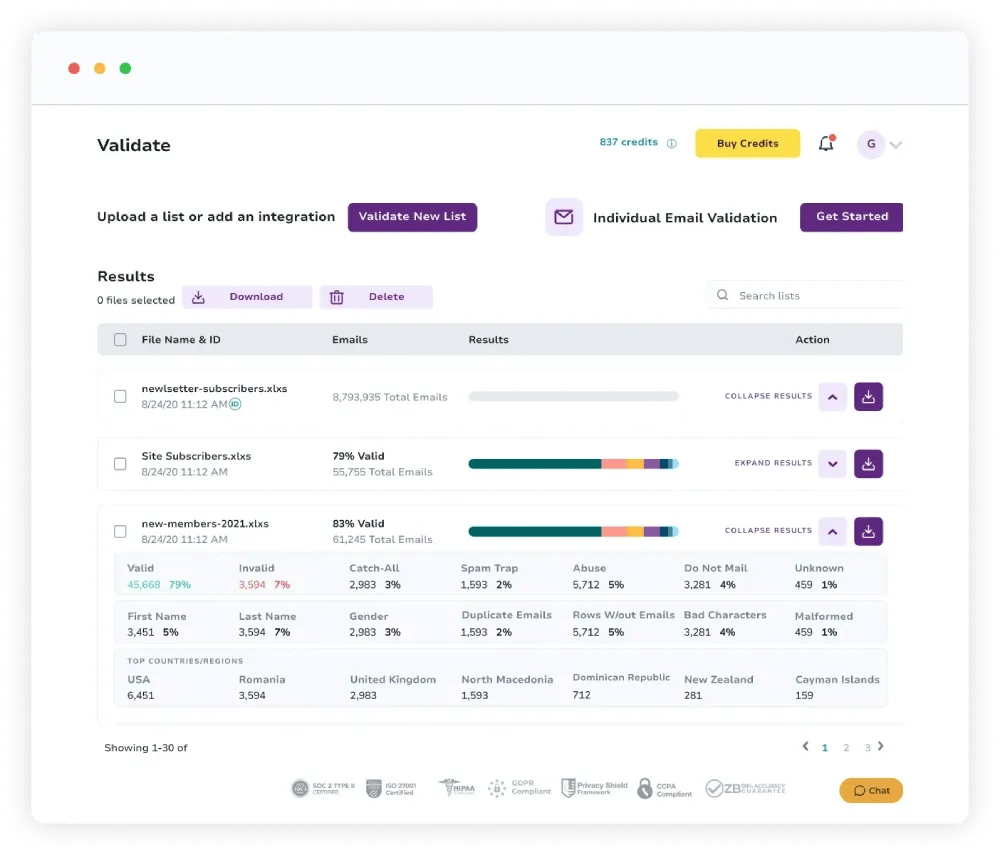
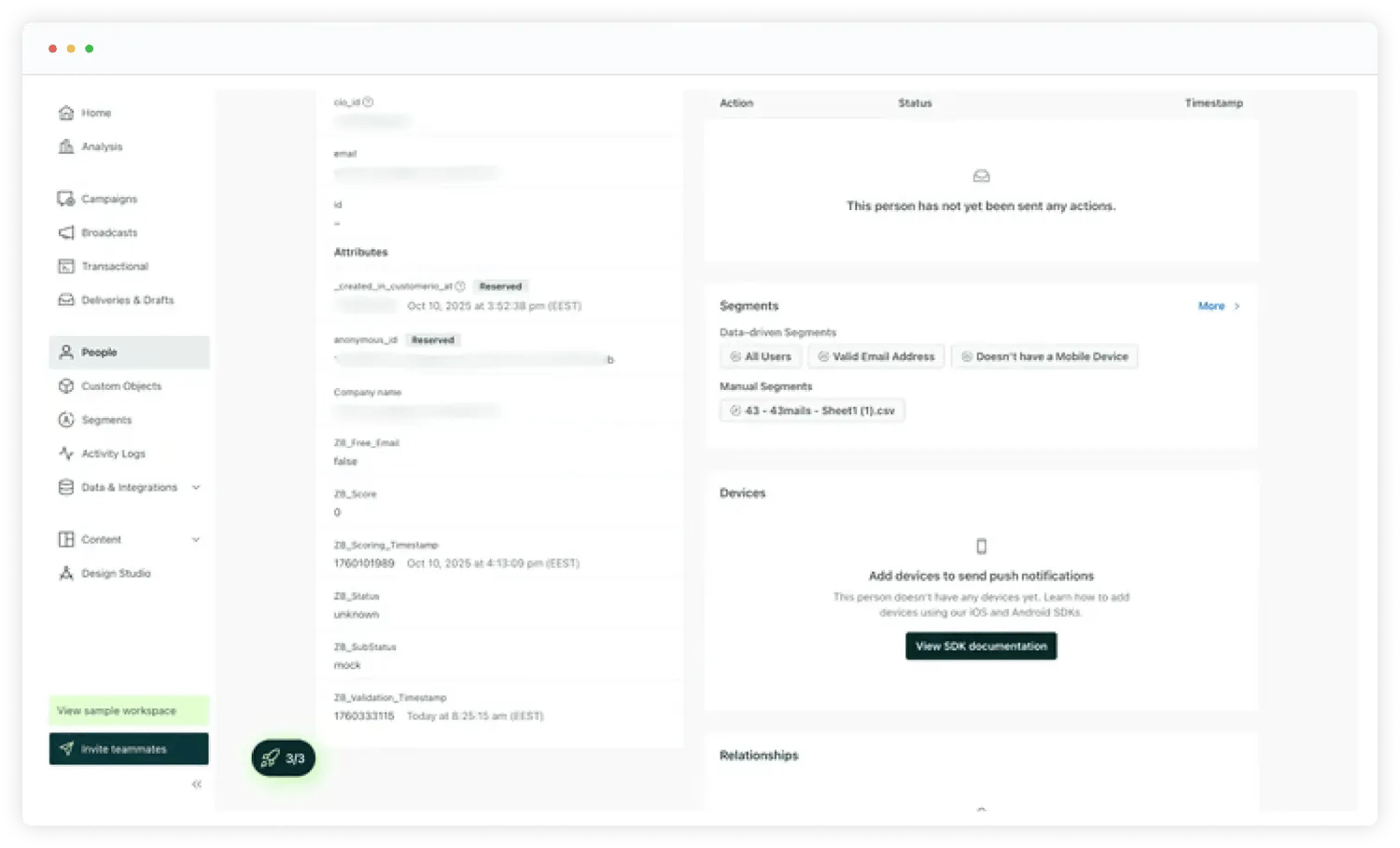
Unlock more tools to gain insights into which leads are high-quality, and which are inactive or high-risk dead-ends:
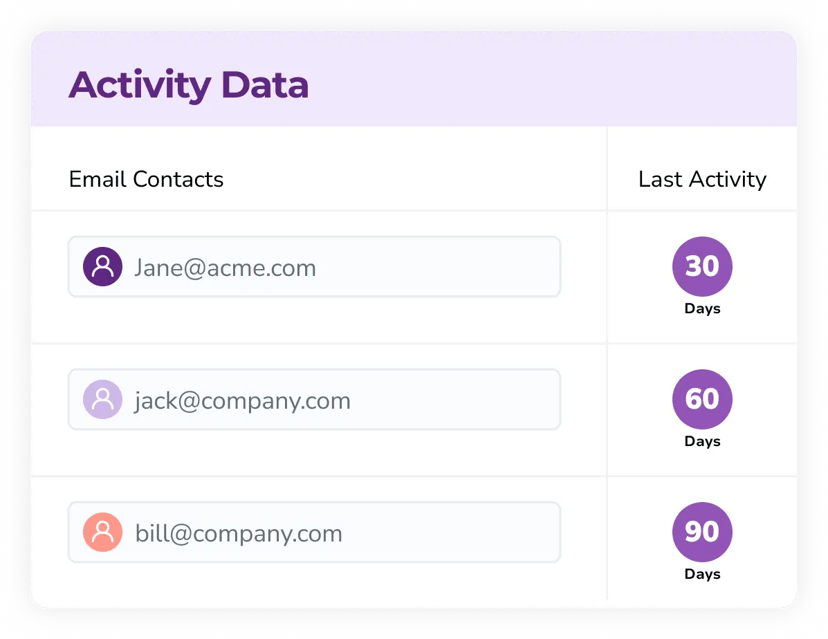
Provides interaction data to show which email addresses have opened, clicked, forwarded, or unsubscribed in the last 30-365+ days (Available with ZeroBounce ONE)
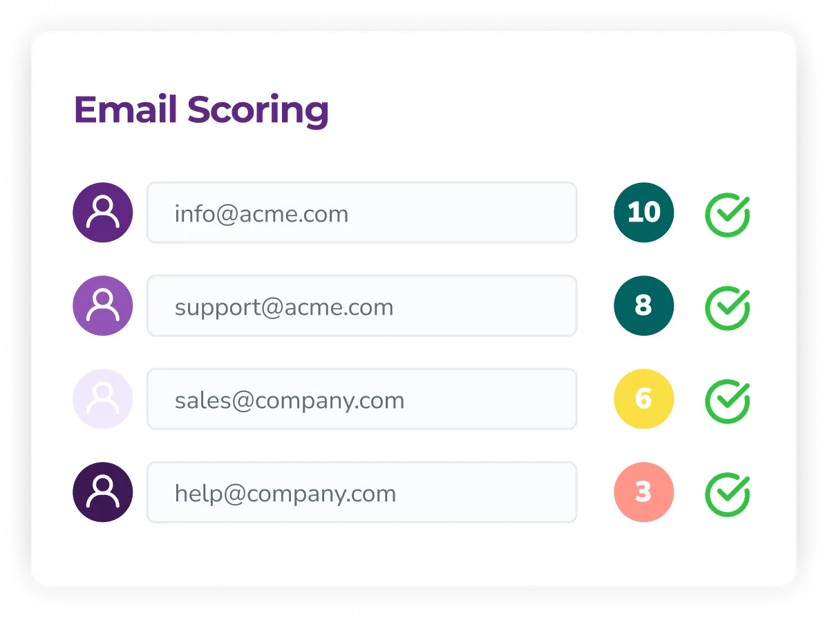
Uses proprietary AI to score catch-all mailboxes on a 0-10 scale, with “1” being the least active, and “10” showing the most engagement (“0” is unknown).
 Free duplicate email removalContact sharing between other connected integrationsCustom results mapping for your Customer.io databaseComplete automation history
To use the integration, here’s what you’ll need:
From there, you can set up your API connection using the following steps:
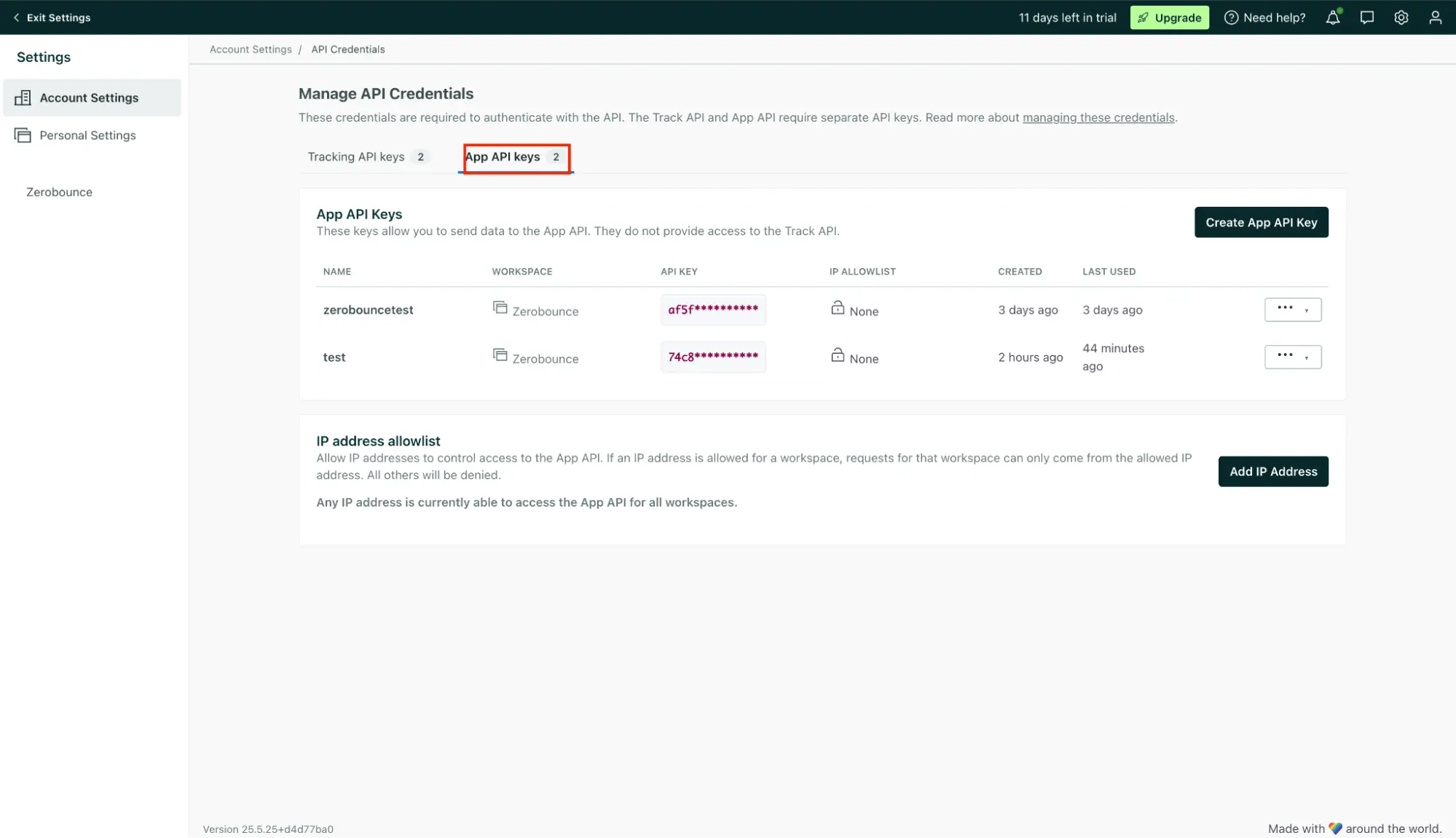
From your Customer.io account settings, go to API credentials, and create a new API key to use with ZeroBounce. Copy this key.
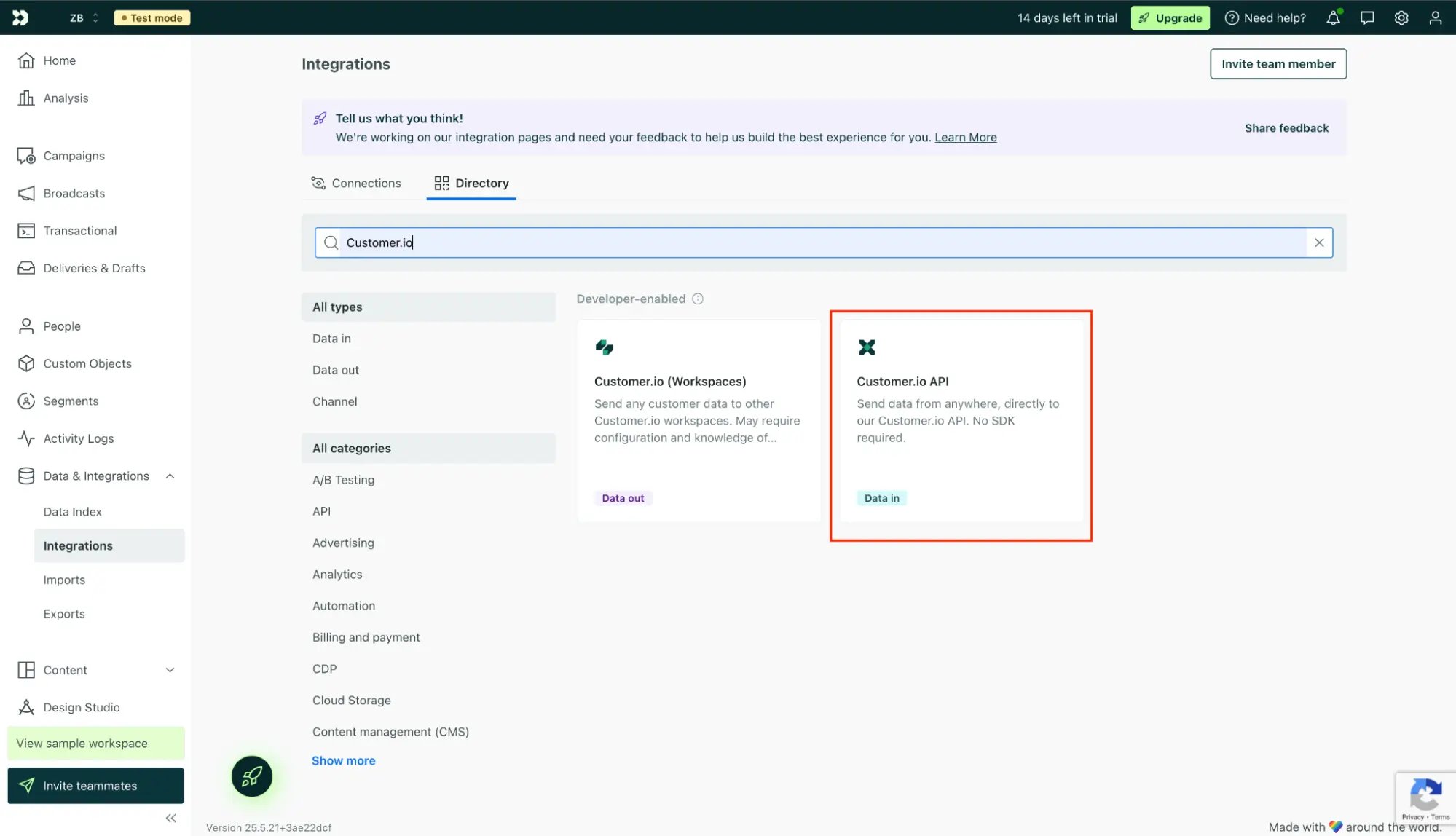
Go to Data & Integrations, and click Directory.
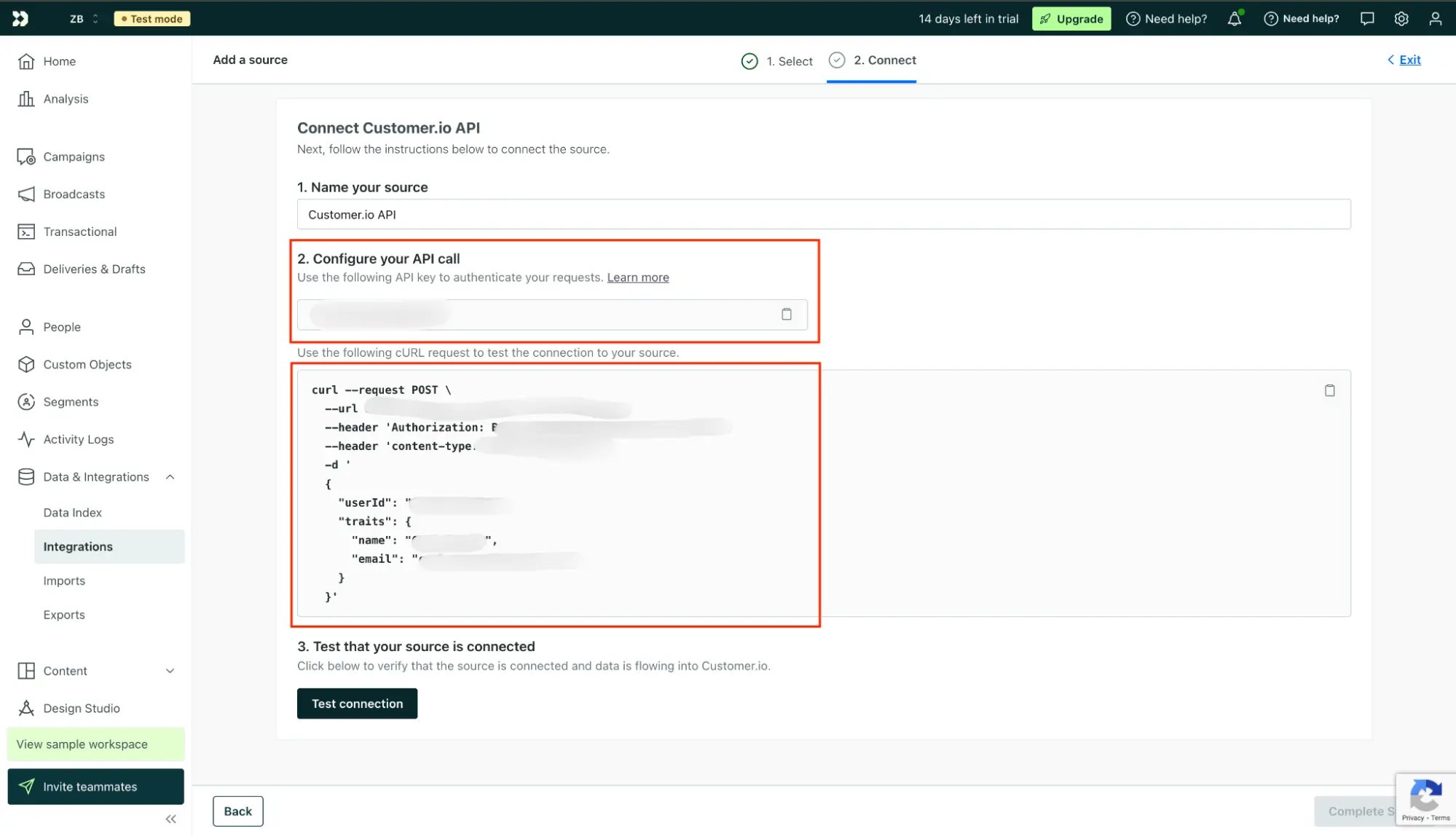
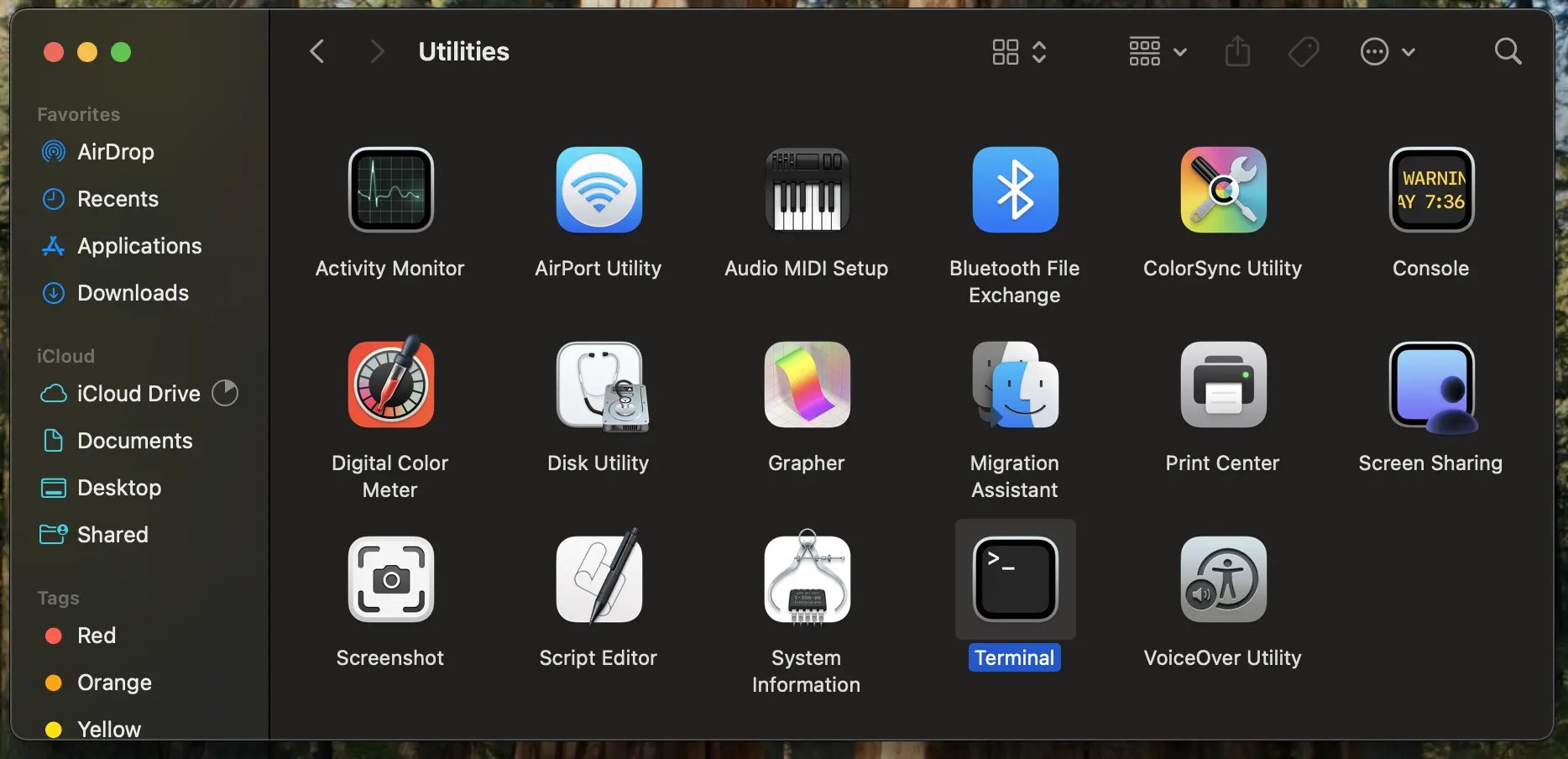
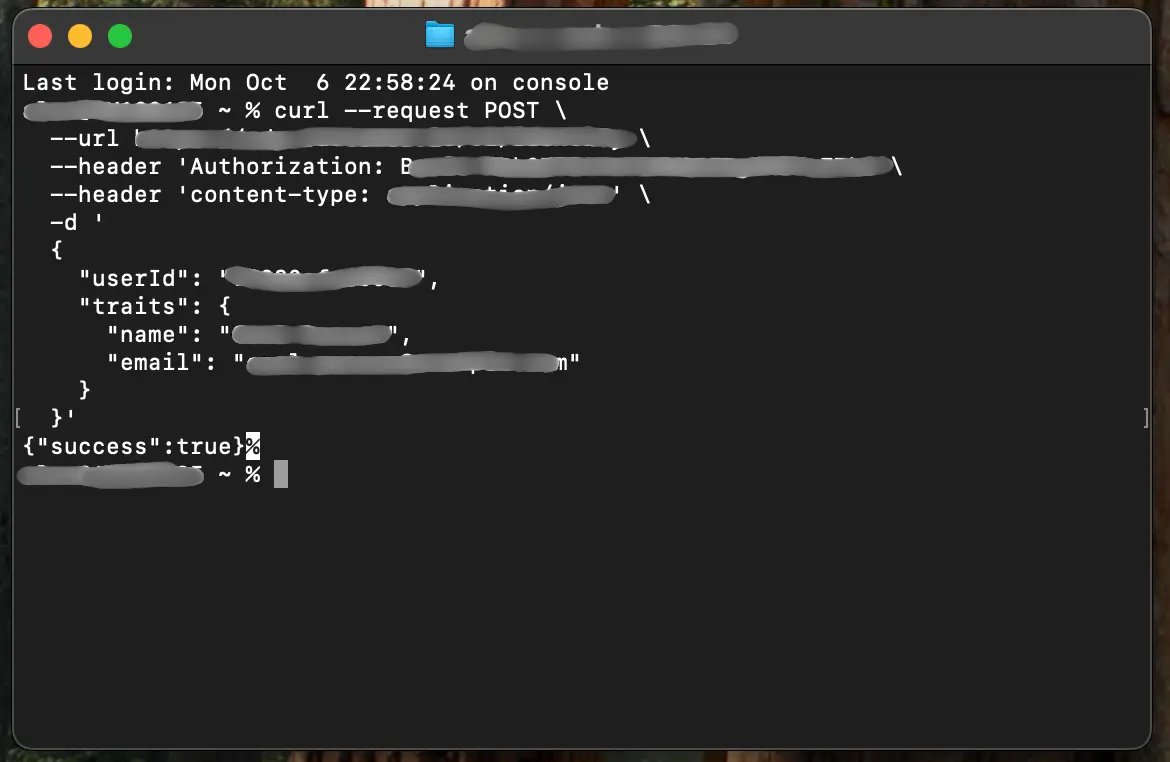
Find the Customer.io API, and copy the Pipelines API key. Copy the cURL command provided on the page, and enter it into your device’s terminal to create the connection.
Log in to ZeroBounce. In the integrations tab, select Customer.io, then enter your API keys in the menu.
That’s it! After securing your API connection, your Customer.io email lists will automatically sync with your ZeroBounce dashboard. From here, you can start validating and scoring any email lists.
Ready for superior email campaign results in Customer.io? Create a free ZeroBounce account today to get instant access to: