

Integration
Looking for a way to validate lead quality in Klaviyo? Get email validationⓘ for Klaviyo Forms today with our free add-on. You have access to the Klaviyo Forms integration even with a free or Freemium account, where you get 100 free email validationⓘ credits monthly.
Verify my Klaviyo Forms signupsFree account required. Get 100 credits monthly for email validationⓘ.
Every new email address in Klaviyo can affect your future campaigns. Validating contacts when they sign up helps keep bad data from reaching your lists in the first place.
ZeroBounce checks email addresses submitted through your connected Klaviyo forms in real time. It identifies invalid and high-risk addresses before they enter your list, and helps you prevent bounces and protect your deliverability.
The integration includes ready-to-use scripts and clear instructions for connecting ZeroBounce to your Klaviyo forms. You’ll know what to add and where to add it, without having to build a custom solution.
Create a separate API key and list for every Klaviyo form you connect. That way, you can see how each form is performing, review its validation activity, and keep signup data organized. All your forms can stay under the same ZeroBounce account.
A sudden spike in form submissions can quickly use up validation credits, especially if a form is targeted by bots or spam.
Set a daily validation limit for each Klaviyo form and adjust the throttle rules whenever you need to. You stay in control of how many validations run, and any unusual signup activity is easier to spot.
Once you have access to Klaviyo and ZeroBounce, the set up process is straightforward and easy.
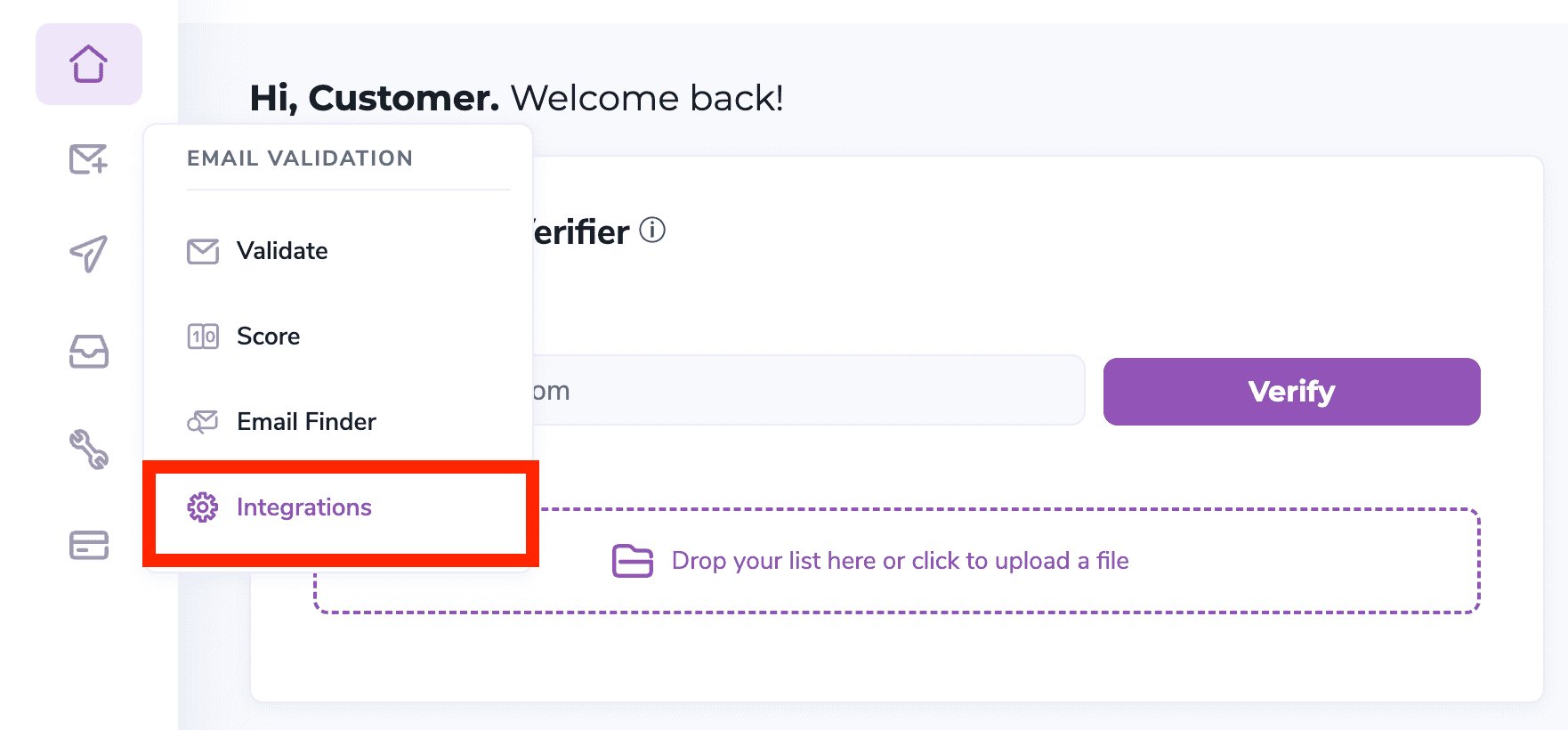
Connect to your ZeroBounce Member dashboard and open Email Validation => Integrations on the left menu.
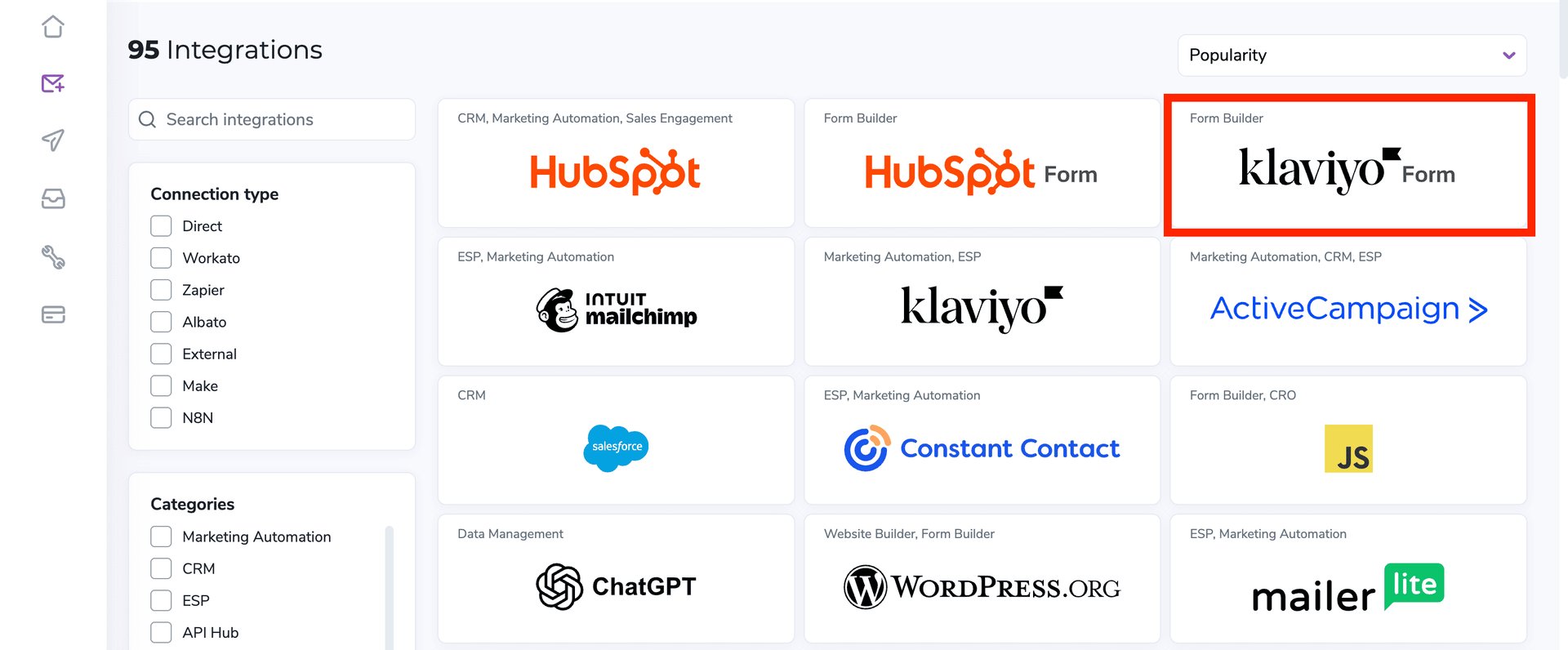
On the Integrations page, select Klaviyo Form from the integration list. You can find it under the Form Builder category.
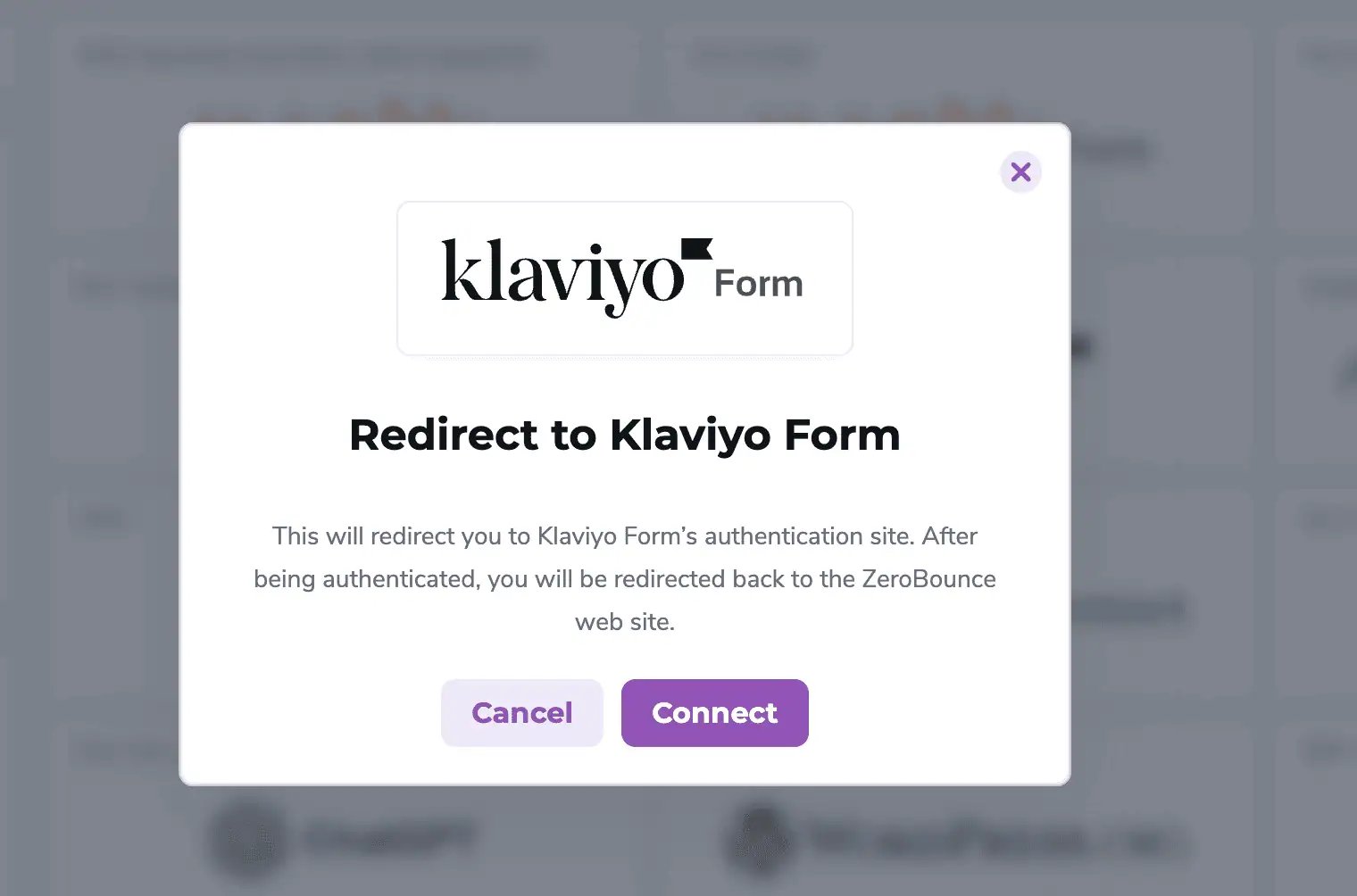
A pop-up stating Redirect to Klaviyo Form will appear. This step sends you to Klaviyo’s authentication site. Once you authenticate, you’ll be redirected back to ZeroBounce.
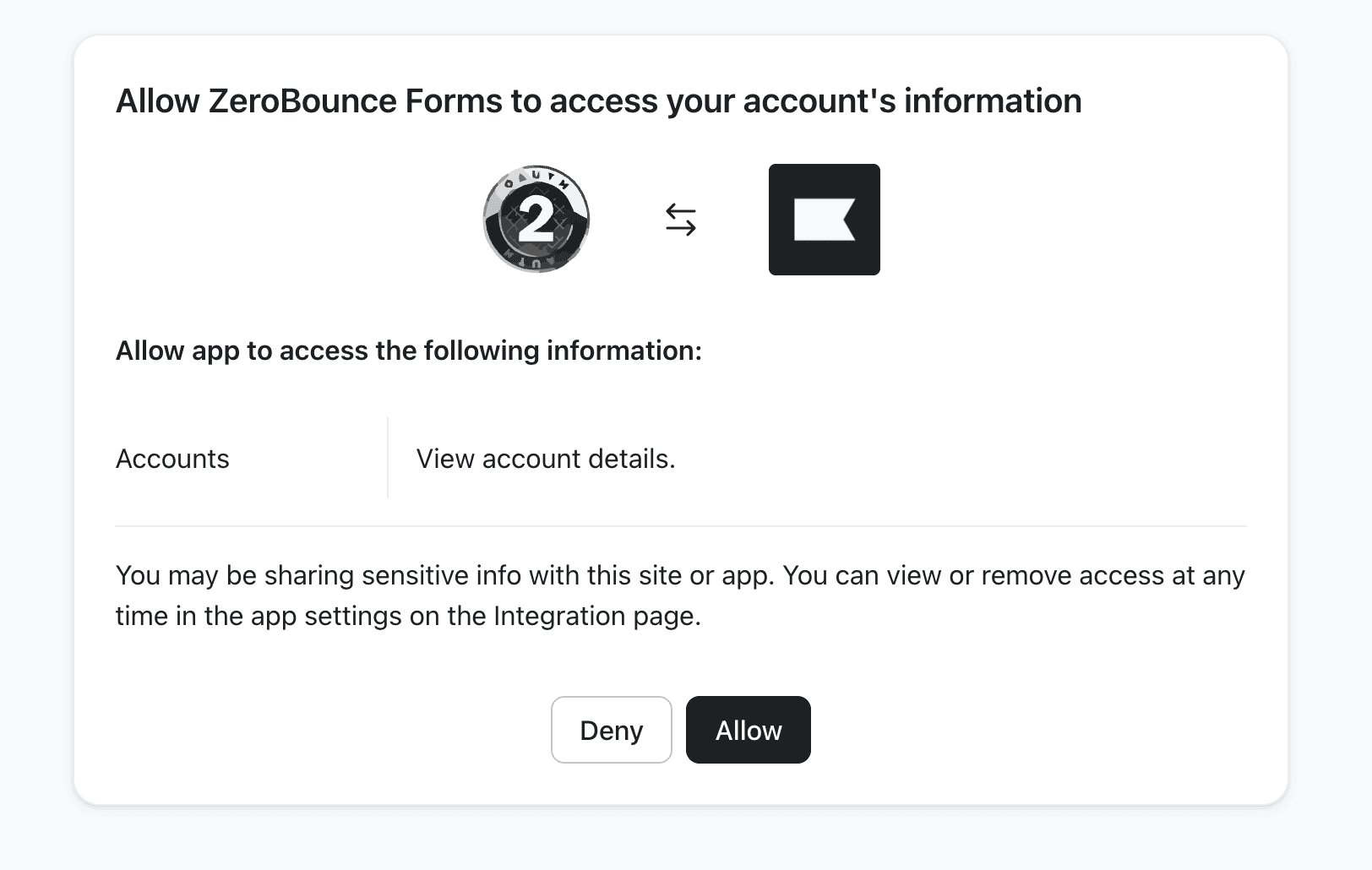
On the next screen, Klaviyo asks you to allow ZeroBounce Forms to access your account’s information. The requested permission is Accounts — View account details.
Click Allow to complete the connection. You can remove access later from the integration settings in Klaviyo.
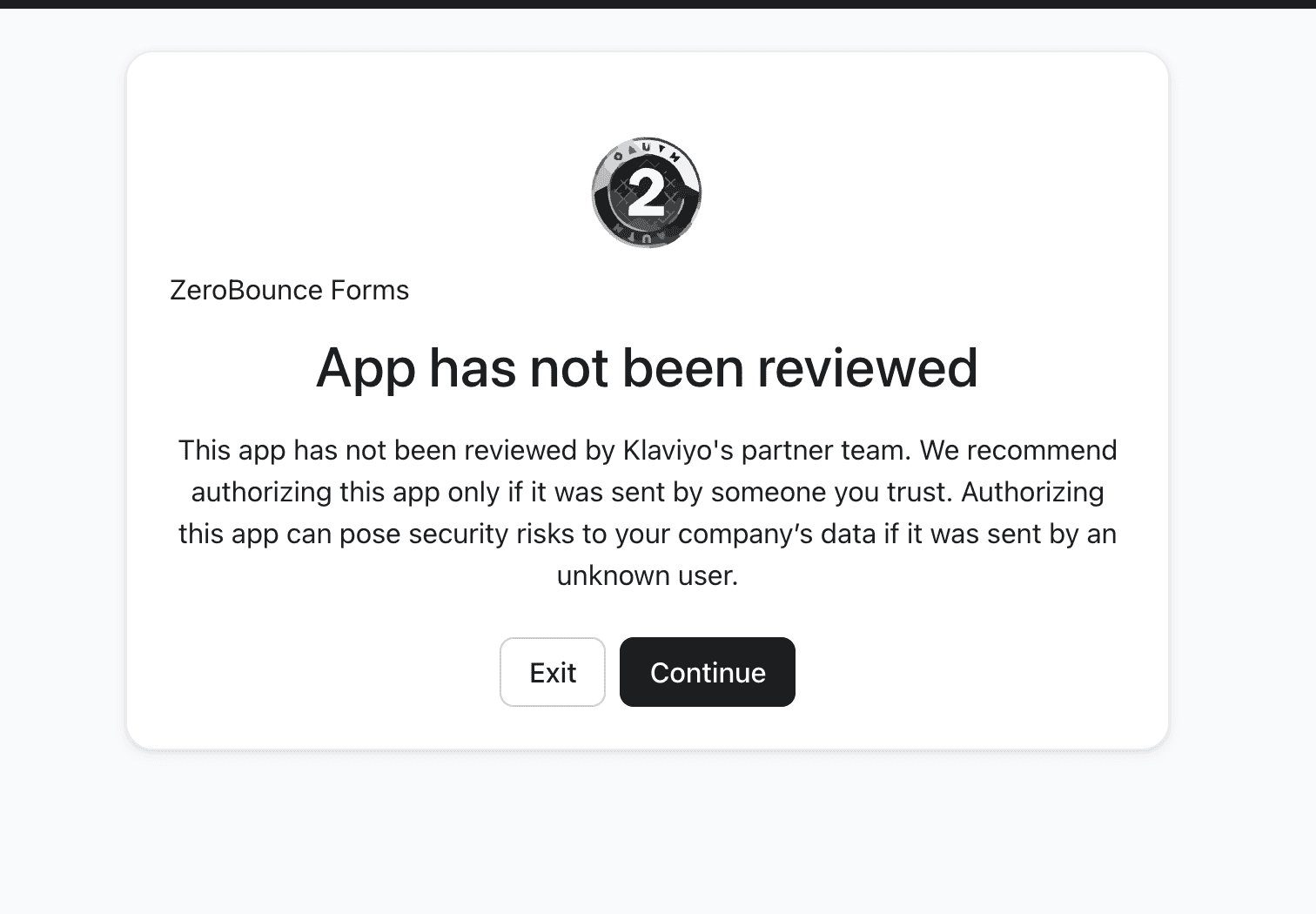
* Before this step, Klaviyo may show a standard screen stating that the ZeroBounce Forms app has not been reviewed by Klaviyo’s partner team. You may see this because you’re about to set up a new integration, but the integration is fully secure. Just click Continue.
Once you click Allow, you’ll be redirected back to ZeroBounce, to the Klaviyo Form integration. Here you’ll find three views: Dashboard, Settings, and Logs. Use the Connected integrations dropdown at the top to switch between installs, or click + New Integration to connect another Klaviyo account.
Bounce rates hurt your sending performance. The ZeroBounce-Klaviyo integration helps you ensure no malformed, invalid, risky, or fake signups make it onto your Klaviyo lists.
Email validationⓘ can flag errors like typos as people complete your form, giving them a chance to correct the address.
You get cleaner contact data and more genuine opportunities to reach the people who signed up.
Your sender reputation is built over time, one campaign at a time. Emailing only real, valid contacts makes it easier to maintain healthy deliverability rates.
Validate email addresses at the point of signup to protect your list quality and support better inbox placement.
It’s time to improve Klaviyo lead quality. Create your free ZeroBounce account today to gain instant access to real-time email validation in Klaviyo, along with these free monthly benefits:

100 credits for email validation and Scoring (credits never expire!)ⓘ

10 Email Finder queries

1 Blacklist Monitor

1 Inbox Placement Test

1 Email Server Test

Real-Time Email Verification API

Access to 60+ integrations
(including Klaviyo Forms!)
Yes. You can connect Klaviyo Forms to a free ZeroBounce account. You will receive up to 100 free email validation credits every month, so you can test the integration before you need more credits.
No. You do not need to build anything from scratch or be familiar with APIs. ZeroBounce guides you through the connection step by step, then gives you the scripts and instructions you need to add validation to your form. You can find detailed documentation on how to set up the Klaviyo integration
.
Yes. You can set up a separate integration for each form. This makes it easier to keep an eye on validation activity, adjust limits, and see which forms are bringing in the most signups.