Spam Complaint Rate Calculator
Improve Email Deliverability
A high spam complaint rate can hurt your email deliverability and reduce the ROI of your email campaigns.
Use our free spam complaint calculator to see how email validation can help reduce your spam complaint rate.
Try it now ->
Spam Complaint Rate Reduction Calculator
What is spam complaint rate?
Your email spam complaint rate is the rate at which subscribers report your email content as spam.
Generally, email users report your emails as spam for the following reasons:
- They did not subscribe to your email list
- The email doesn't have a valid unsubscribe link
- The user previously clicked an unsubscribe link but is still receiving emails
- The user files a spam complaint instead of clicking your unsubscribe link (abuse email)
Understanding when and why you're receiving these spam complaints is critical, as exceeding the recommended average will hurt your email sender reputation.

What is the average spam complaint rate?
While other email marketing metrics like email bounce rate, email open rate, or email click rate can fluctuate by industry, there's no room for fluctuation regarding spam complaint rate.

Regardless of industry, your spam complaint rate should stay below 0.1%, or 1 in every 1,000 emails sent.
Other email marketing metrics tell a story about the quality of your content and how it impacts your audience. Spam complaint rates indicate whether or not you're following the best (and legally necessary) practices to send emails to subscribers only.
High spam complaint rates hurt sender reputation
High spam complaint rates are a significant issue in email marketing.
Internet and email service providers closely monitor spam complaints. While keeping your spam complaint rate below 0.1% is recommended across industries, each provider may use different thresholds.
If you're using an email service like Mailchimp, Active Campaign, or Campaign Monitor, they will warn you when a campaign has an unacceptable number of spam complaints.
A high spam complaint rate raises questions about how you obtain your email leads, whether or not you make it easy to unsubscribe, and if you keep a clean email list. It mars your email sender reputation and puts you in the company of malicious spammers and spoofers that ISPs hope to avoid.
A poor sender reputation creates poor email deliverability
A high spam complaint rate can damage your sender reputation and hurt your overall email marketing performance. As spam complaints increase, mailbox providers may be more likely to filter your emails into the spam folder. In some cases, messages may also be rejected or blocked, leading to higher bounce rates.
When more emails bounce or land in spam, fewer people have a chance to open and engage with them. That can lead to lower open and click rates and reduce your email marketing ROI.
If you notice your email deliverability declining, a spam rate checker can help you identify potential issues and take steps to address them.
How to use the spam rate calculator
Not sure if your spam complaint rate is too high? Use our spam complaint rate calculator above.
Here's how to do it:
- Enter the number of emails you send during a campaign. You can use an exact number from a campaign in question or estimate an average you typically send to your email list.
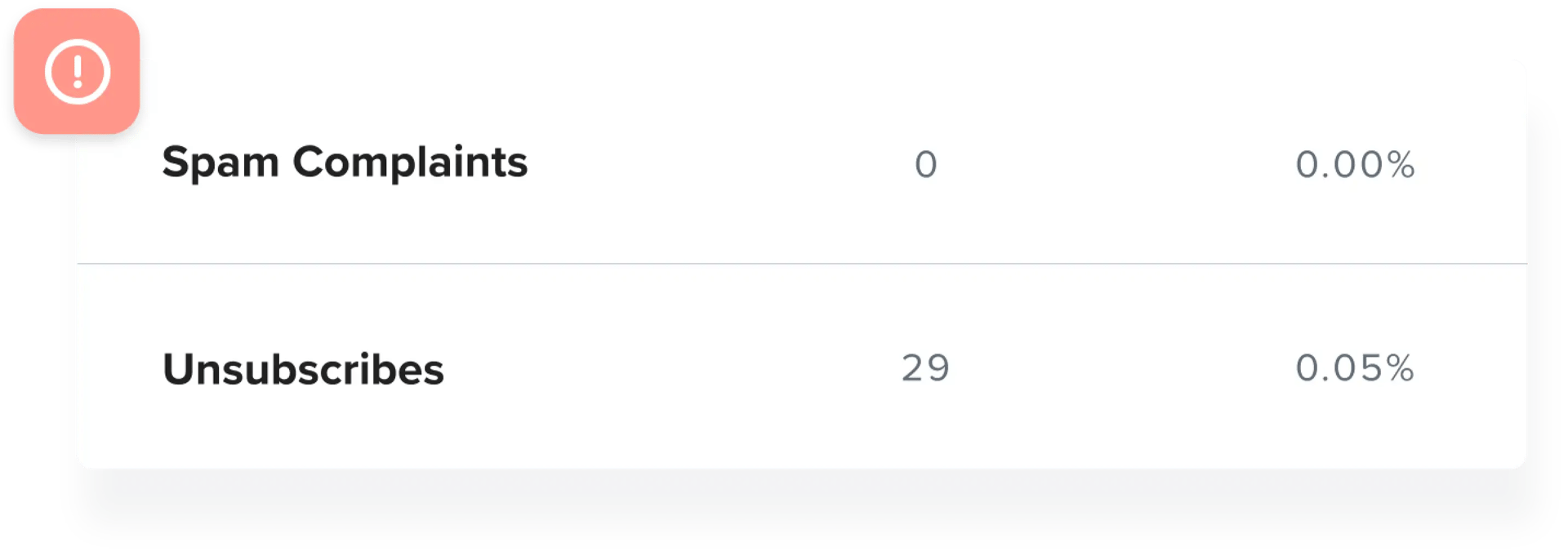
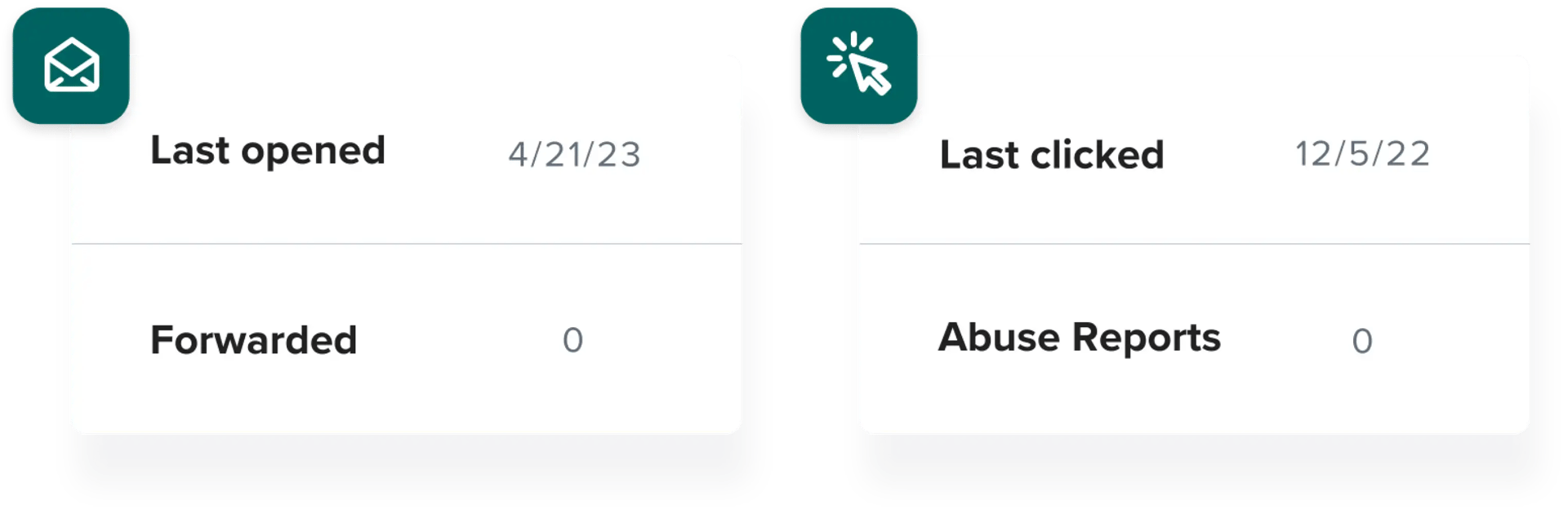
- Find and enter your spam complaint rate. Though it will differ depending on your provider, this metric is listed as "Spam complaints" or "Abuse."
- Click Calculate.
Reading your spam rate reduction calculator results
After generating your results, we'll guide your next steps.
If you achieve the ideal spam complaint rate of 0.1% or less, you're in good shape. However, we'll calculate how many more spam complaints you can eliminate by incorporating email list cleaning into your email marketing strategy.
Your spam rate is good. However, there is room for improvement by using ZeroBounce email validation.
Estimated reduced spam complaints
0
A spam complaint rate below 0.1% is ideal.
A spam complaint rate below 0.1% is ideal. If yours is higher, we’ll let you know so you can take action. These figures are based on ZeroBounce's ability to reduce your spam complaints by as much as 30% with the help of email validation.
Your spam rate is very poor. Your emails risk being flagged and blocked. We highly recommend you use ZeroBounce email validation.
Estimated reduced spam complaints
240
Email validation can help reduce your spam complaints. If your spam rate calculator results show a high complaint rate, here are some steps you can take to bring it down.
How to reduce a high spam complaint rate
Use ZeroBounce email validation
Regular email list cleaning can help reduce spam complaints. ZeroBounce email validation removes invalid email addresses and can also identify abuse emails – addresses belonging to people known for frequently marking emails as spam.
Removing abuse emails before you send can help protect your sender reputation and reduce the risk of spam complaints. Validate your list regularly to keep these and other risky email addresses out of your campaigns.
Control your email bounce rate
Email validation also helps protect your sender reputation by reducing bounces. Keeping your bounce rate below 2% can support better email deliverability and help your messages reach the inbox.
Once your emails reach the inbox, give subscribers clear choices. Send relevant content, make your unsubscribe link easy to find, and honor opt-out requests promptly. Giving people an easy way to unsubscribe can help reduce the likelihood that they mark your emails as spam instead.
Make it easy for subscribers to opt out of your emails by including a clear, easy-to-find unsubscribe link.
Unsubscribe links are also a legal requirement for commercial emails under the CAN-SPAM Act. The law requires senders to provide a clear way for recipients to opt out and to honor those requests promptly.
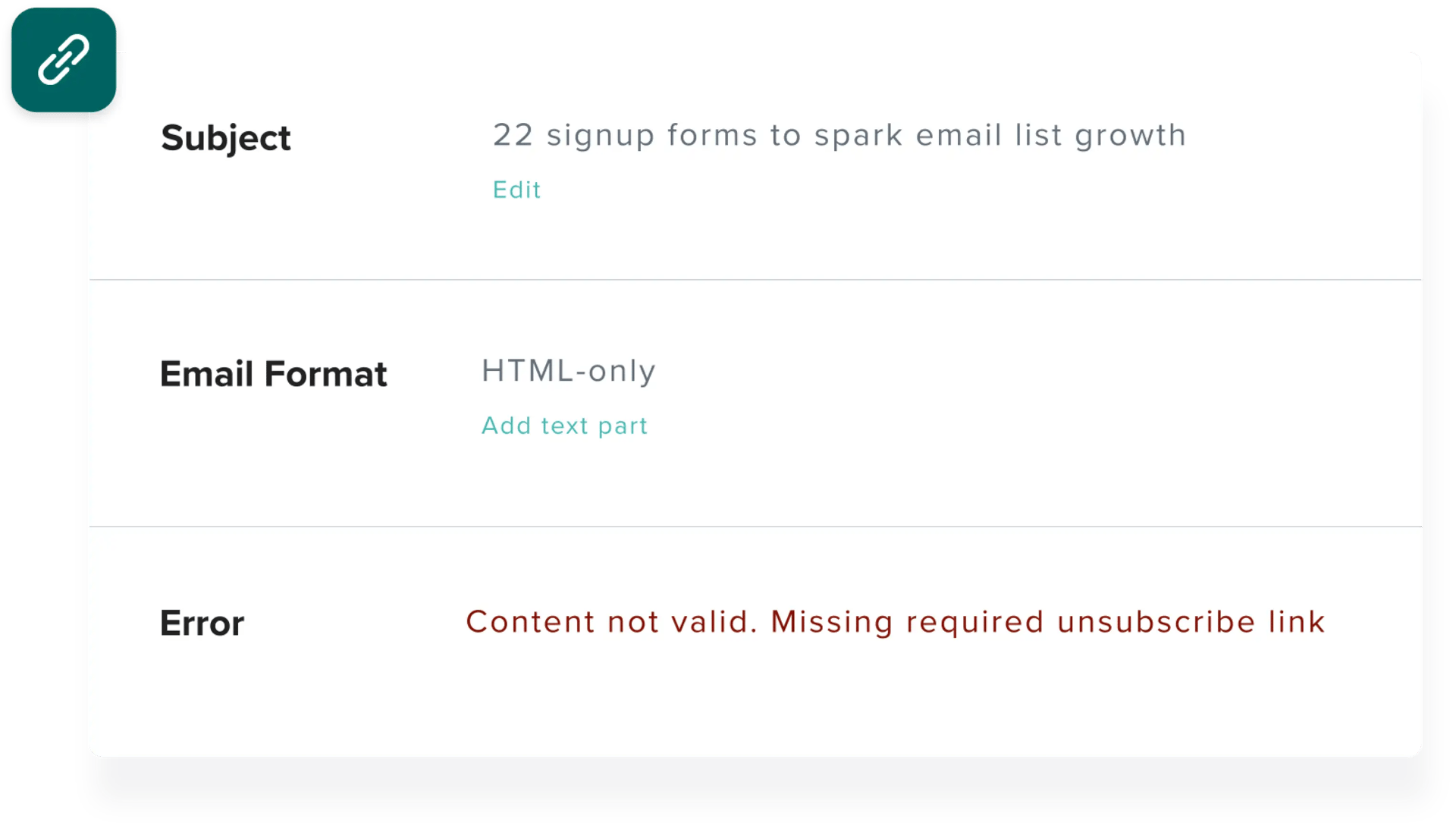
Most email service providers require an unsubscribe link in marketing emails.
Even if your email service provider doesn’t flag a missing unsubscribe link, don’t send without one. When recipients can’t easily opt out, they may mark your emails as spam instead, increasing your spam complaint rate.
Double opt-in can help reduce spam complaints
Even after you clean your email list, some subscribers may still mark your emails as spam. This can hurt your sender reputation and email deliverability.
For example, someone may sign up for a free resource or one-time offer and later forget that they subscribed. Instead of unsubscribing, they may mark the email as spam.
Using double opt-in can help prevent this. After someone enters their name and email address, send a confirmation email that clearly explains:
- That they’re signing up for your email newsletter
- Who the emails are from
- What type of content they can expect to receive
This extra step helps confirm that subscribers genuinely want to hear from you and can help keep your spam complaint rate low.
Improve your email deliverability with ZeroBounce
Your email service provider can help you monitor spam complaints, while ZeroBounce helps you address some of the issues that can contribute to poor email deliverability.
With email validation, you can identify invalid email addresses, abuse emails, catch-all emails, toxic domains, spam traps, and other risky contacts. Regular email list cleaning helps reduce bounces, protect your sender reputation, and improve your chances of reaching the inbox.
Curious to see if you have any abuse emails in your list?
Get immediate access to our email validator with 100 free monthly credits. Sign up today - free.
Try these free email deliverability calculators


Frequently asked questions about spam complaint rate
A spam complaint occurs when a recipient marks an email as spam, whether it appears in the inbox, promotions tab, or another folder. Spam complaints send negative signals to mailbox providers and can hurt your sender reputation and email deliverability.
Spam complaint rate is the percentage of your emails that recipients report as spam. Check your campaign reports after sending to see your spam complaint rate.
Ideally, your spam complaint rate should stay below 0.1%, or fewer than 1 in 1,000 emails. Keep in mind that spam complaint thresholds can vary by email service provider.
You can reduce your email spam complaint rate with the following tactics:
You can check your spam complaint rate by reviewing your campaign reports within your email service provider dashboard. You can find this information near your open, click, and bounce rates. Some providers refer to spam complaints as abuse reports.
Our spam complaint rate reduction calculator shows whether your spam complaint rate is within the recommended range or may need attention. Using our internal metrics, it also estimates how email validation could help reduce your spam complaints.
Better email click-to-open rates start with ZeroBounce. Sign up today!
Get 100 free monthly credits - business or premium domain required