
Docs
Docs
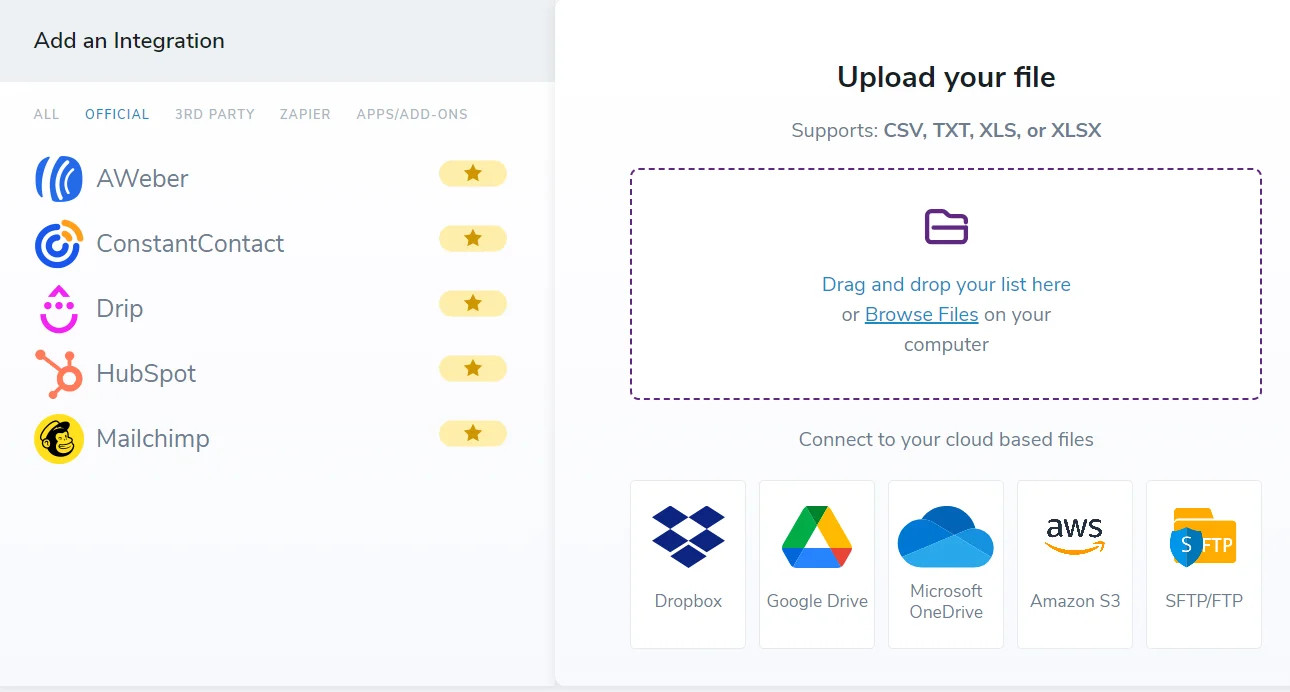
ZeroBounce accepts the following file formats for email validation, email scoring, and Email Finder:
When uploading your data using one of these file formats, ensuring your column data matches what we find is essential. This data not only allows you to use email verification and email-finding services, but it also lets you enhance your email contacts.
For example, when you mark a column as “First Name,” ZeroBounce uses data from that column to help determine gender. “First Name” also aids email finderⓘ searches in discovering valid emails instead of only generating possible patterns.
If you mark one of your columns as “IP Address,” ZeroBounce can use that data to identify the location of that IP address.
Your original columns will remain intact whenever you receive your new results file. Our email verifier will then append all new columns to the uploaded file with the label “ZB {Column Name}”.
If you have issues with our accepted file formats, you can upload your file using the cloud or one of our existing integrations.
The bulk file uploader allows you to easily select one of the following cloud-based services for file upload:
For email validationⓘ, you only need to provide the email address. The email validator then verifies the email and provides a results file with new columns that dictate the status and sub-status.
While other columns are not required, the verifier can use additional data, such as names and IPs, to enhance your email database.
For email finderⓘ, the company domain is required to perform a search. To obtain a validated email address, you must also provide a name.
ZeroBounce features more than 60 official, third-party, and Zapier integrations.
You can quickly sign in and connect your accounts in the bulk upload area for official integrations. For third-party integrations and Zapier integrations, you can find instructions for setup through the third-party provider or the integrations page.
Why did I receive the “too many invalid emails found” error?
What do I do if my file delimiter is missing?
